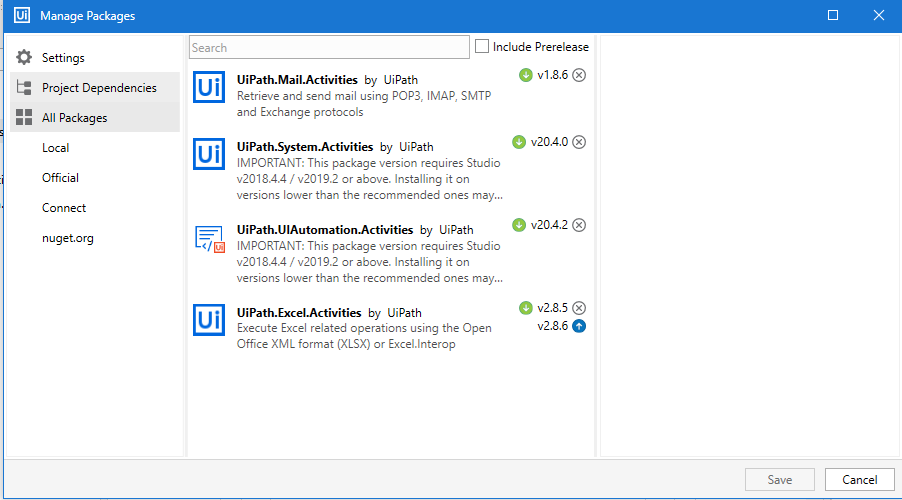
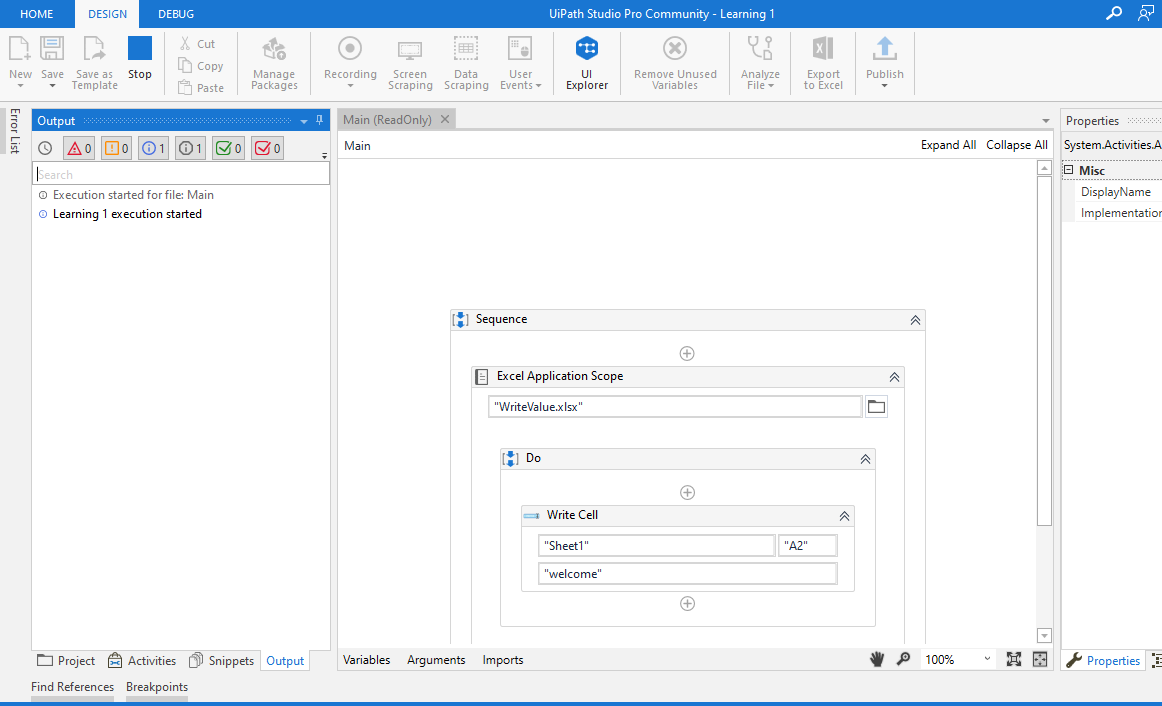
I am facing an issue while i execute a BOT, my BOT gets stuck when it comes to excel application scope activity. i have reinstalled packages, reinstalled my studio but still nothing works. i am facing this issue from today before it was running properly. when i restarted system once it worked for 1hr but again its not working. it looks very different i am not getting any error also its just getting pause thats all. But instead of excel application scope if i use workbook activity it works but i want to use excel application scope
Can you check whats the system utilization when the process is running, kindly ensure that there are no multiple instances of Excel process running, that might be the unresponsive process.
Check your registry entries also, regarding the Excel version, if it shows multiple versions, its better to uninstall, clear entries and re install.
Can you run this file using start process and do a click anywhere on any cell in any sheet, and see if it works, It will help us understand whether it’s an issue with file or Excel package itself.
You are using excel 2016, just downgrade your excel package 2.7.2
Hi try with downgraded version of excel activities and workbook activity is very fast in reading the workbook files, but may i know why we don’t prefer that…
are we using any execute macro or invoke vba…only then we need to consider excel package without choice…else its completely fine to go for WORKBOOK activities
Actually i tried downgrading packages it didnt help to resolve the issue. i cleared all the cache everything and i reinstalled also but it didnt work. sometimes when i restart the system it works fine.
And why i want for excel application scope is my previous project is developed using excel application scope activity so cannot change in all the places
Still it is not working. below is the error which i get in studio log file.
[ERROR] [UiPath.Studio.exe] [1] System.IO.FileNotFoundException: Could not load file or assembly ‘UiPath.Platform, Version=20.4.0.0, Culture=neutral, PublicKeyToken=null’ or one of its dependencies. The system cannot find the file specified.
File name: ‘UiPath.Platform, Version=20.4.0.0, Culture=neutral, PublicKeyToken=null’
at UiPath.Studio.ObjectBrowser.Workflow.Services.ObjectBrowserWorkflowService.IsObjectReferencesDesigner(DependencyObject activityDesigner)
at UiPath.Studio.ObjectBrowser.Services.ObjectBrowserDesignerService._designerPropertyGridService_SelectionChanged(Object sender, PropertyGridInfoBarEventArgs e)
at UiPath.Shared.Events.EventExtensions.SafeInvoke[TArgs](EventHandler`1 handler, Object sender, TArgs args)
I tried that also it doesnot work. i am really not sure why suddenly it started happening. it doesnot throw any error also, excel application scope reading, writing nothing works
Still getting the same error, i downgraded to 2.7.2 and 2.8.5 nothing works. i reinstalled uipath by clearing all my previous packages everything it is not working