Hello Everyone,
I am looking at the Themes un UiPath Forms and can only seem to customize them slightly. While this is good I was wondering if any further customization will be, or is, available?
I currently only have the option to customize the Form and Primary button and those are limited.
Any info on further customization options would be much appreciated.
Cheers!
It seems that you have trouble getting an answer to your question in the first 24 hours.
Let us give you a few hints and helpful links.
First, make sure you browsed through our Forum FAQ Beginner’s Guide. It will teach you what should be included in your topic.
You can check out some of our resources directly, see below:
Always search first. It is the best way to quickly find your answer. Check out the icon for that.
Clicking the options button will let you set more specific topic search filters, i.e. only the ones with a solution.
Topic that contains most common solutions with example project files can be found here.
Read our official documentation where you can find a lot of information and instructions about each of our products:
Meet us and our users on our Community Slack and ask your question there.
Hopefully this will let you easily find the solution/information you need. Once you have it, we would be happy if you could share your findings here and mark it as a solution. This will help other users find it in the future.
Thank you for helping us build our UiPath Community!
@loginerror that seems interesting, a bit deep but doable. But as you said a no-no hack might still come handy if a customer wants something specific.
@Tamilselvan I was actually looking at being able to also change the secondary button, and maybe have a bit more control on placing objects in the forms. I would like to make the forms adhere more to the Google Material design and it seems sometimes that the UiPath forms, though simple, are quite restrictive when it comes to these types of customizations.
Might be that something like that is already in the pipeline or even done, and I’m just not looking at the right places.
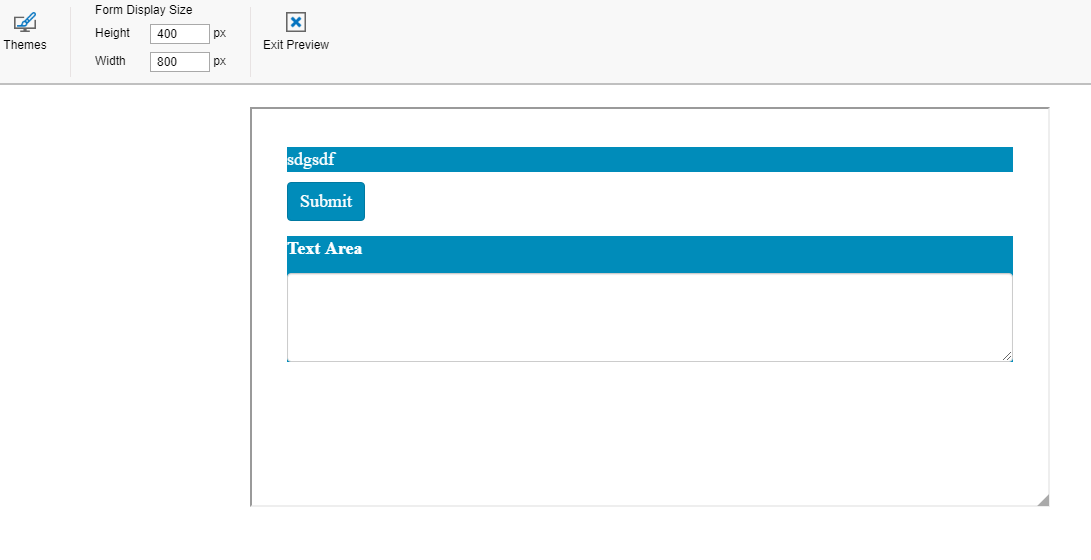
We don’t need to change xaml files to have our custom css classes. Custom themes created in preview windows of the form designer are saved in UIPath folder of user’s Documents directory, along with custom form templates, so I assume that means they could be changed. And inside that custom theme files we can add our css classes. I’ve tried adding a class I found on the internet and it worked. Well… almost (I am not very good in css) :
I assume every time you change the content of your custom theme file, it has to be reapplied to your form in the designer. I wanted to upload a little walkthrough but on every try its quality deteriorated to unrecognizable.
Hi
I can, here is the workflow that uses the custom class: customCSS - Copy.xaml (10.9 KB)
After you download it and run with in your Studio could you please come back here and tell whether it worked for you? Thank you
On the weekend I will make a little walkthrough on how to have your custom CSS class on the form with no need to change the xaml files.
But first, we need to be sure that this kind of manipulations with custom theme files are possible and won’t be harmfull in different scenarios. @Tamilselvan Hello, could you please clarify on whether the form users can modify custom theme files that are created from the designer. For example, add their custom CSS classes. We create a custom theme here:
Yes, here it is (i’ve changed its extention because this forum not allows “utheme” extention): MyTheme1.utheme.txt (3.8 KB)
And I have also deleted some local information so it probably won’t work just by copying the file into your uipath forms custom themes directory.
I’ve just added my custom class to the end of this json pair value:
Hi @Tamanna_Jain,
This is something that should be investigated. When I have time I will compare json for the components and possibly find the answer.
I think a big guide is required to cover all of features that formio engine provides. At first I thought that formio’s engine implementation in UIPath is very limited but now it seems that this is not a case.
Hey @andrey.egorov , since we are in the context of UiPath forms, I have one small doubt regarding something. I am looking to add color into the text fields inside UiPath forms based on conditions.
For eg:
I have 3 text fields in the forms
Color 1
Color 2
Color 3
If Color 1 value is RED I am looking to make the text box colored in RED (filled color), similarly for other fields and other colors. How can I achieve this? If this requires javascript or html, can you please share the snippet as I cannot find any doc explaining this.


 ).
).
 might still come handy if a customer wants something specific.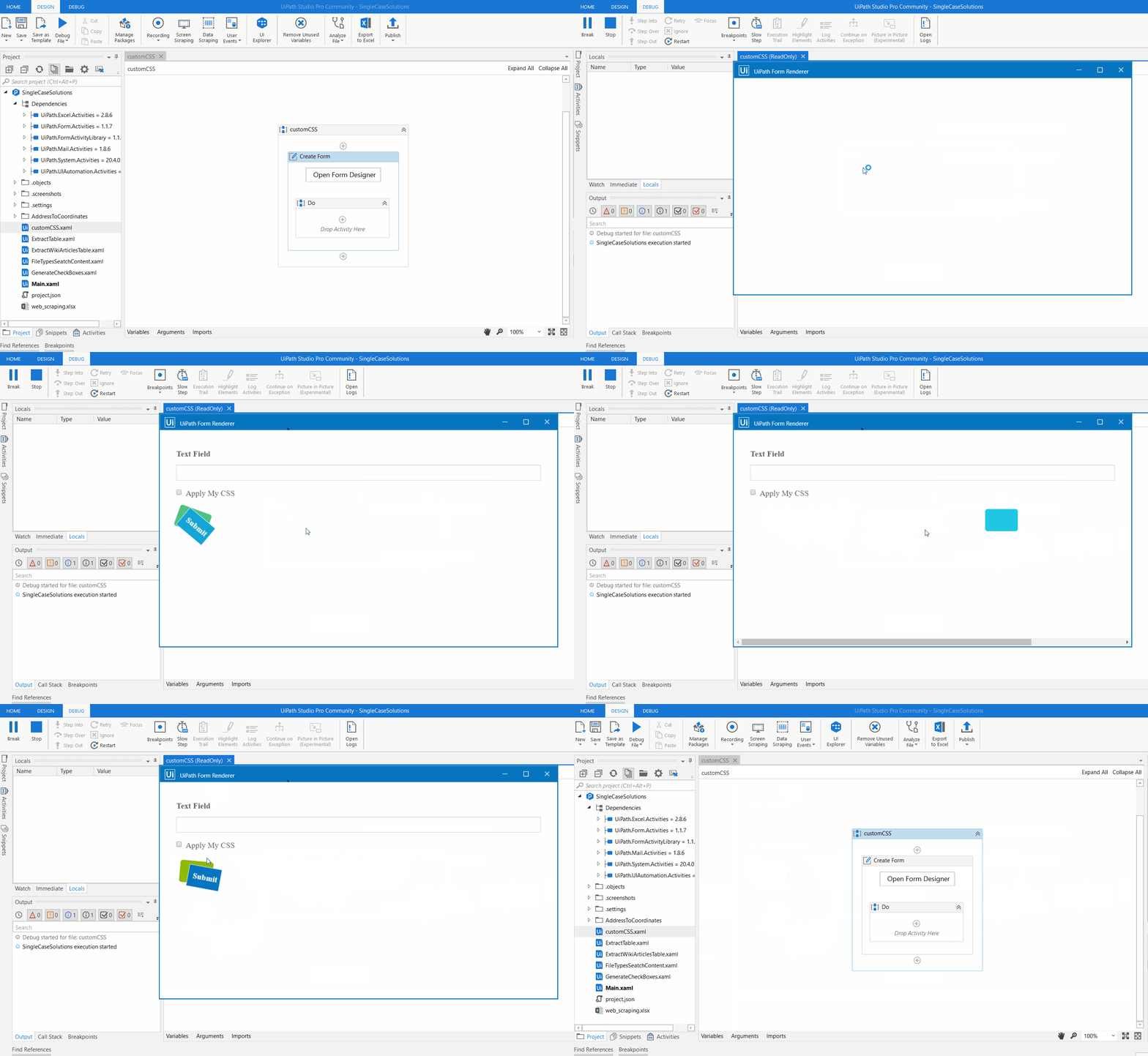
 I wanted to upload a little walkthrough but on every try its quality deteriorated to unrecognizable.

