こんにちは
UiPath Studio 2025.0.161 Community editionのユーザーです。
Webページの文字列が赤字かどうかをチェックするアクティビティはありますか?
Get Attributeすれば良いのでしょうか?
回答がYESの場合、Get Attributeアクティビティの属性の取得方法が分かりませんのでサンプルコードを見せていただくと助かります。
こんにちは
UiPath Studio 2025.0.161 Community editionのユーザーです。
Webページの文字列が赤字かどうかをチェックするアクティビティはありますか?
Get Attributeすれば良いのでしょうか?
回答がYESの場合、Get Attributeアクティビティの属性の取得方法が分かりませんのでサンプルコードを見せていただくと助かります。
in most cases class attribute will contain the class which may color it..or it would be in style
first indicate the text and check the class and style and see which attribute is helpful in deciding the color
after that in get attribute activity indicate the text element and select the style or class as needed…
the output would be the value of those attributes
cheers
cheers
Hi Thank you for your swift reply!
Could you elaborate on how to check the class and style of the String?
Should I use get text activity?
Regards,
Gorby
in ui explorer check the values they would be available
to get them later use get attribute
cheers
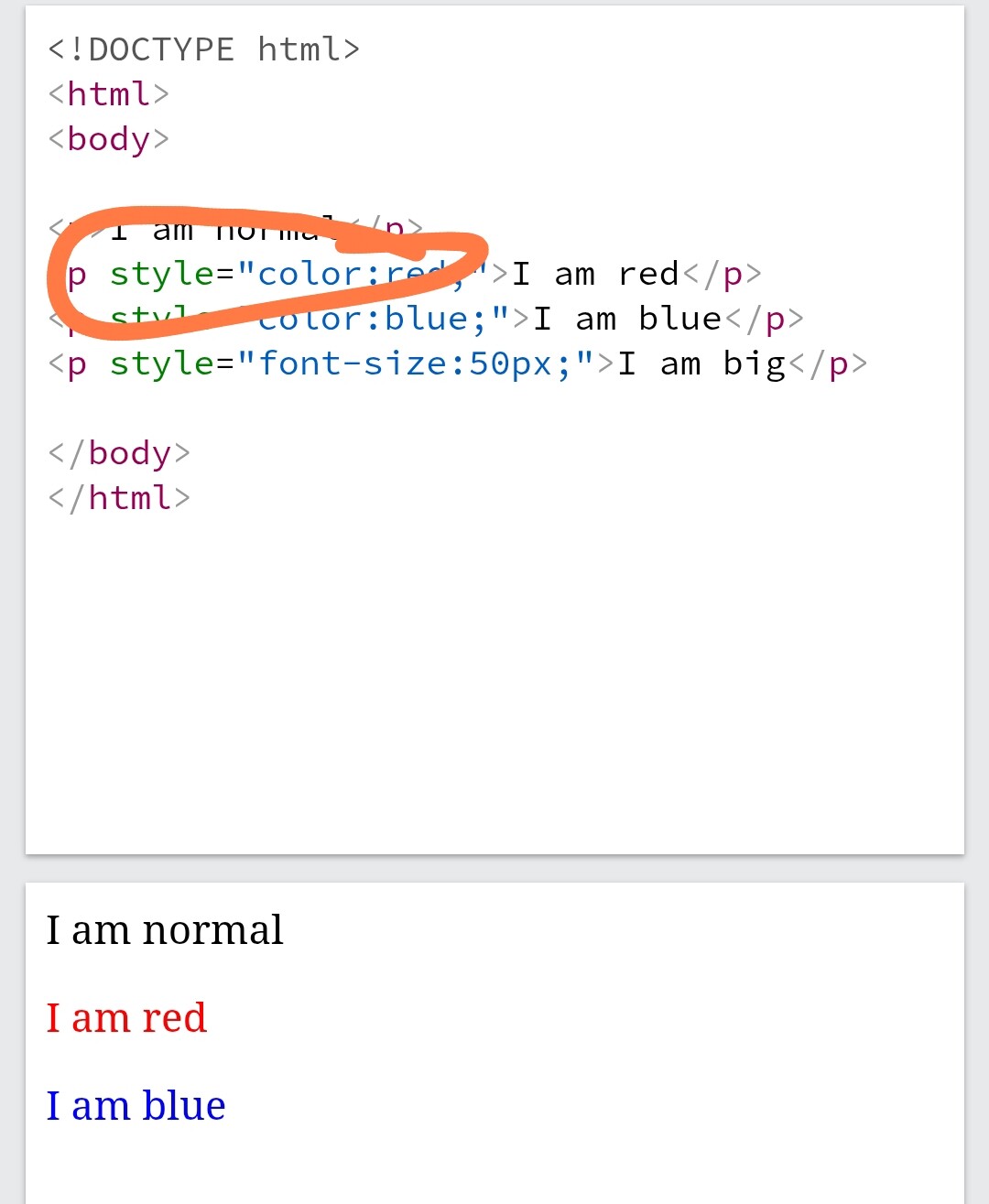
Inspect the UI element using UI explorer and see how that text colour is being changed.
For example like this.. here color is being set through inline style attribute which you can get using Get Attribute activity.