Hello, after registering a Community Plan I don’t have a defaut tentant and I can’t create it. How can do it? thank you.
Hi @marcos.bernabe,
Welcome to UiPath!
Refer this below post it might help you to create tenent in cloud platform:
Thanks,
Neelima.
1 Like
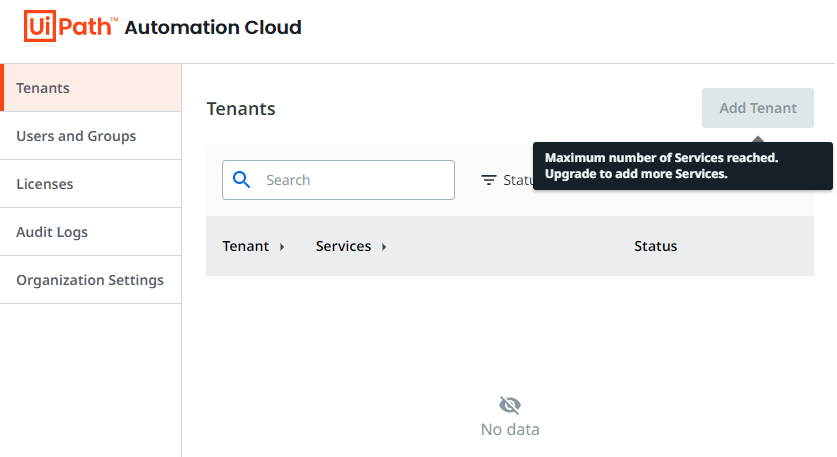
I seem to be having a similar, but slightly different issue. I currently have a tenant, but whenever I try to edit it it seems to think the tenant doesn’t exist. It also seems to think all of the licenses are in use, and since I can’t edit the tenant to change the license configuration I am unable to free them up. It wont even let me delete the tenant. I just get an error message stating that the tenant ID does not exist.
Seems like there must be a larger issue going on currently with new tenants.
1 Like
Could you send me a PM here on the Forum @loginerror with this information:
- email address of your tenants
- Support ID from Admin > Organization Settings
We will look into that.
Thanks for the details, we are investigating the issue.
1 Like
Could you try now and report back? 
I’m assuming you’re referring to @marcos.bernabe, but just in case you’re asking me as well my issue is still present.
Hi, my issue is still present too.
Could you try again and report back?
1 Like
Still having the same issue. For reference i’ve attached screenshots of the issues I’m having.
When I click on Configure Licenses in the tenant it is blank:

Attempting to delete the tenant:
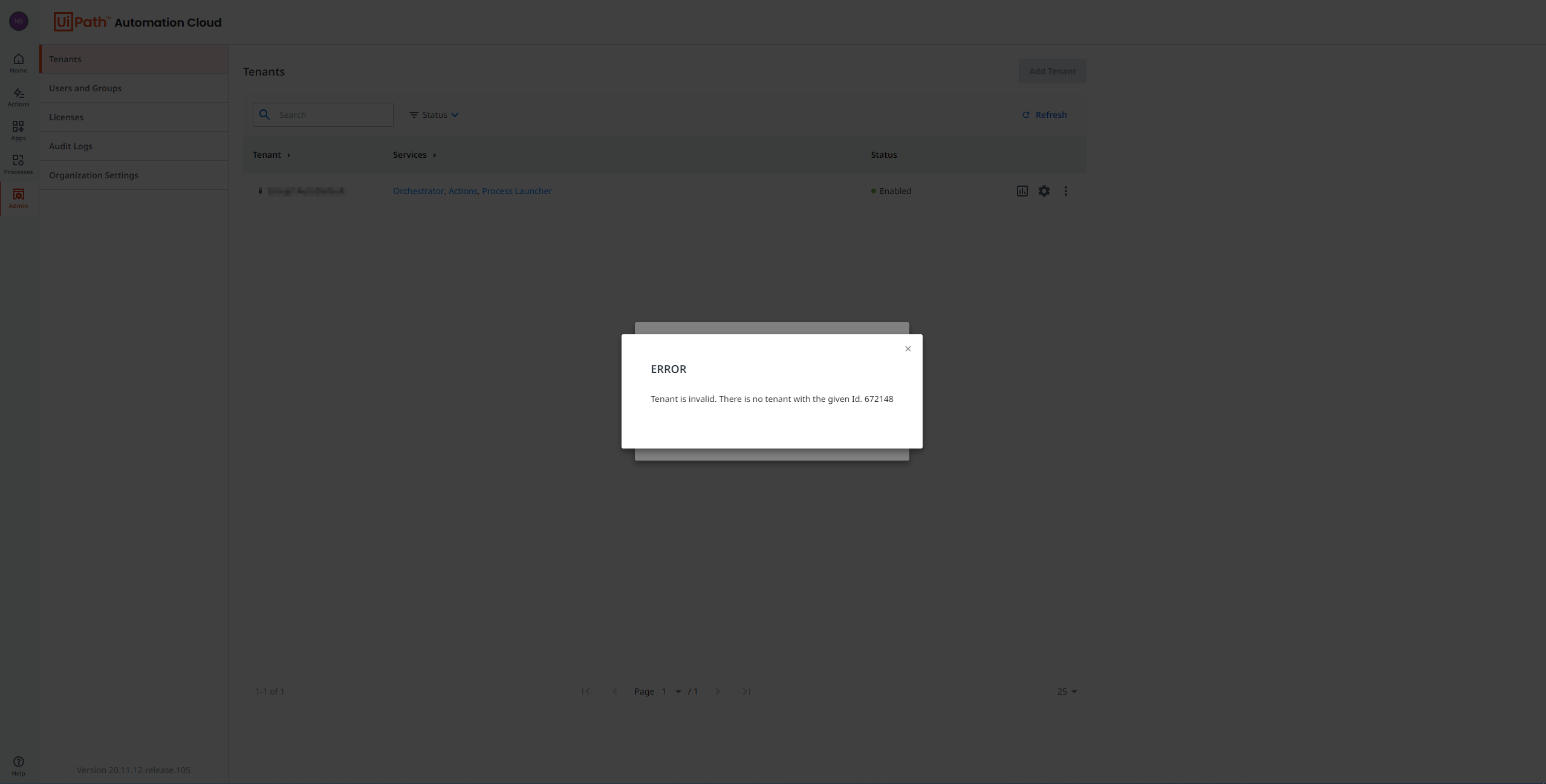
Attempting to edit the tenant’s services:

Attempting to open License Allocation:
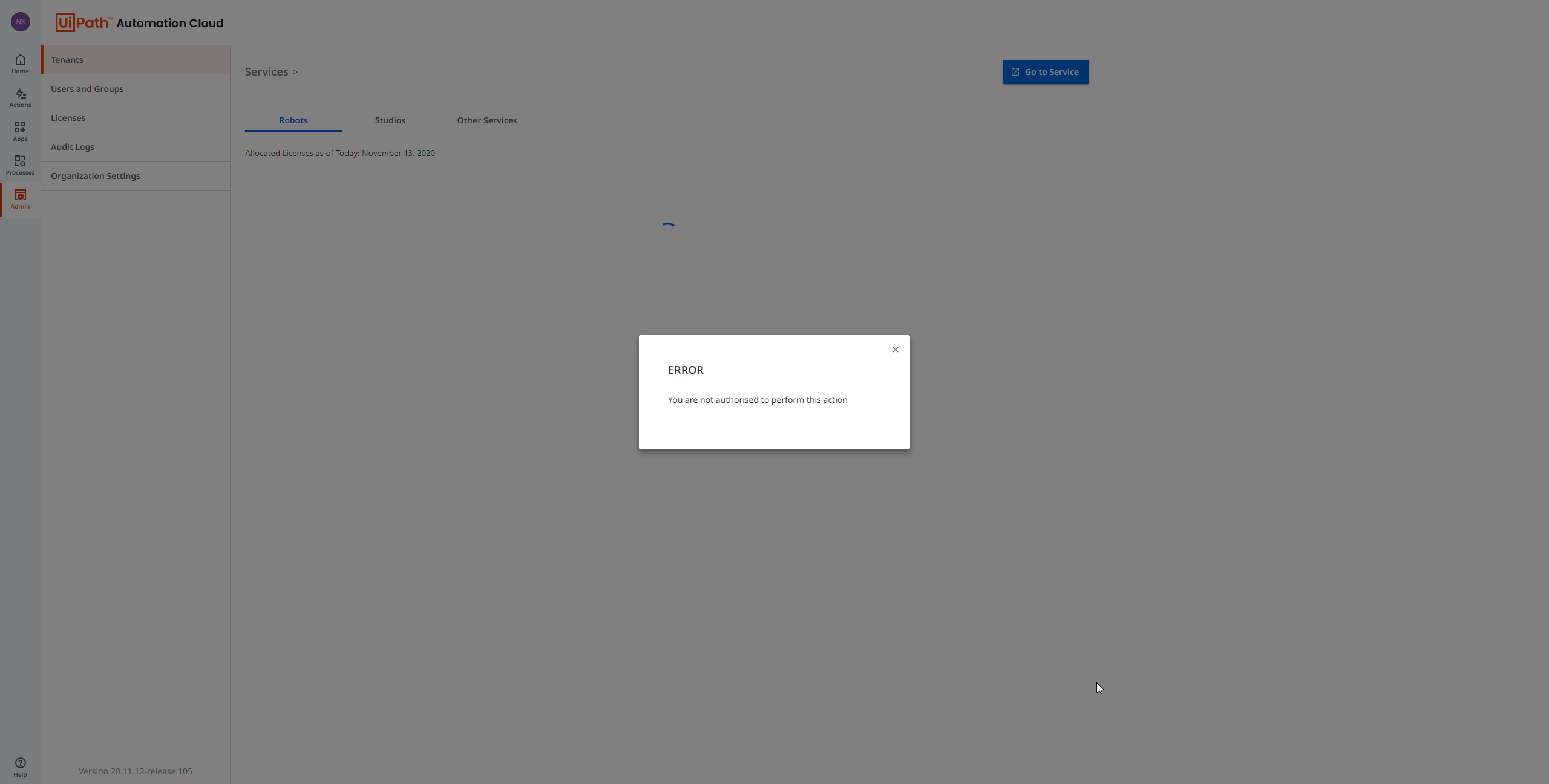
Honestly if all else fails and the tenant has to be completely deleted I don’t mind. It was a newly created tenant and it had the issue immediately so I was never able to configure it all.
1 Like
My issue is stil present. I don’t have any tenant and I can’t create one.
Could you try now? I think it is finally resolved
Your issue should also be fixed. You should be able to enable the tenant and the licenses should be assigned to it automatically.
1 Like
@loginerror I can confirm that the issue has been resolved. It let me disable the tenant and re-enable it and now the licenses are assigning properly. Thank you for the assistance.
2 Likes
Thanks for confirming!