I have created MaestroProject folder and assigned a machine. The Job running from this folder showing Pending state in the Job information am getting "Job information
Reasons for job state:
The unattended robot has the wrong machine credentials to execute the job (the username of the machine is not the same as the username in the user credentials)
I have attached the photo below.
Thank you..
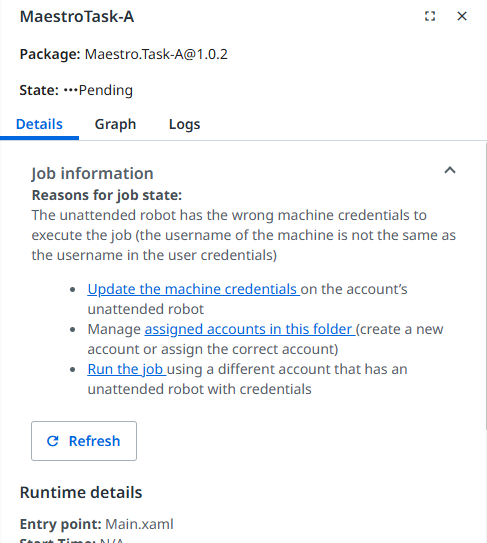
The job is Pending because the Windows username on the machine does not match the unattended user credentials in Orchestrator.
Fix:
Go to Orchestrator → Tenant → Machines
Update the machine credentials with the exact Windows username and password of the robot machine
(Domain\Username or MachineName\Username)
Make sure the unattended user is assigned to the folder
After this, the job will run normally.
for the domain/username you need to go on to the actual machine and be logged into it using the account the robot will use
Load command prompt and type “whoami” and it will return the domain/username

Then update the Domain\Username in Orchestrator , Go to Tenant/Folder → Robots → Unattended credentials to match it exactly. Once the correct credentials are assigned to the folder/account, the job starts immediately.