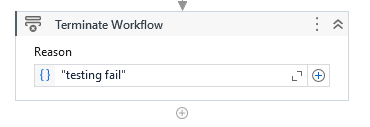
Hi! I’m a new developer to UiPath and I’m trying to automate my internship tasks. I have a time report I have to feed into the bot (I already have logic in place for validation of file). I just am not sure how to close / exit the invoked code in my main if file is not found. I was told I could use the Terminate workflow to exit, but this is my first time hearing of this activity and i’m not sure if it will end the entire process
instead you can use file exits to check if main file exits or not. it returns Boolean. you can use Boolean in if condition to determine the next actions
Hey @eliii your are dealing with file so you can use a check option means use File exists activity it create a Boolean variable and after that use 1 IF Activity and if the file found then in the Then branch use your workflow or xaml file. or in the Else branch use Terminate activity. . The Terminate Workflow activity is used to exit the current running workflow or process, and end the execution immediately. It does not stop the entire UiPath robot or cause any interruption at the Orchestrator level, but it ends the workflow or process in which it’s placed.