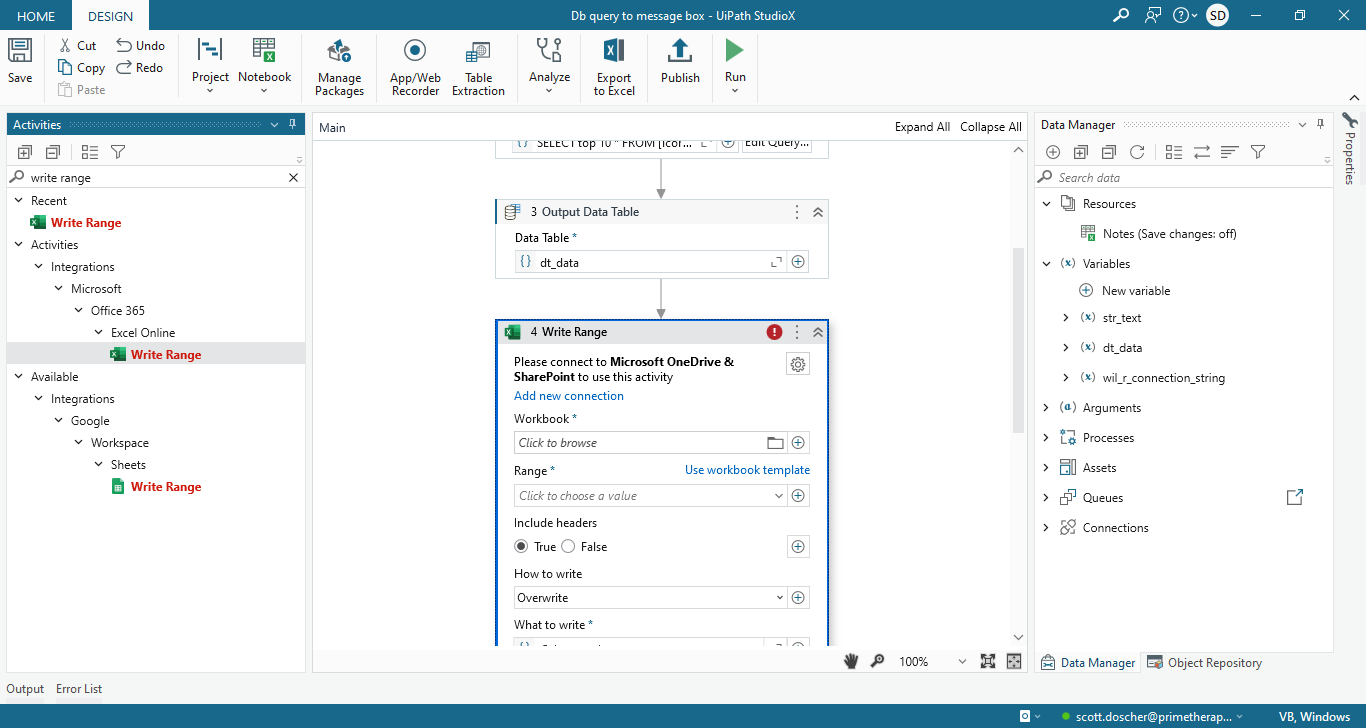
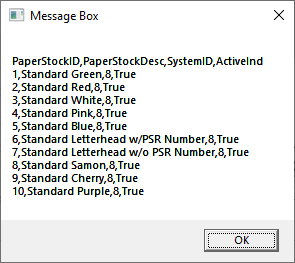
I have a workflow that runs a query and puts that data in a datatable. It works fine. I can display the data in a message box. How do I get that data to Excel (or CSV) WITHOUT being connected to Office365? I just want to use the desktop version of Excel. Basically, I want to replace the msg box in the flow below to Excel.
Thank you.
Hi @scott.doscher ,
Maybe could you try using the Write Range Workbook activity and check ?
Ty @supermanPunch I tried that and it wants a connection:
@scott.doscher ,
Could you enable the Developer Filter and check for the Activity again :


That was exactly what I needed. TY! On my message box it showed the col headers…in the excel, it did not. It only brought the data over. Any ideas?
@scott.doscher ,
I believe the Add Headers property in the Write Range Workbook activity was disabled, could you maybe enable it and check ?
@supermanPunch you are SO good…tySm…