I’m using Add Queue Item to add several dictionary entries with keys like “RelatedMember1”, “RelatedMember2”.
However, in Orchestrator the key becomes “RelatedMember” and multiple values are overwritten or merged.
I also tried “RelatedMember_1”, but it still comes through as “RelatedMember”.
Is there a known restriction on using numeric suffixes in SpecificContent keys?
Has anyone experienced or documented this behavior?
Hi @summertime1
I tried to reproduce it, doesn’t look like there is any restriction on Key Name.
If possible please share some more details, like activity screenshot or any custom logic you are using.
@summertime1,
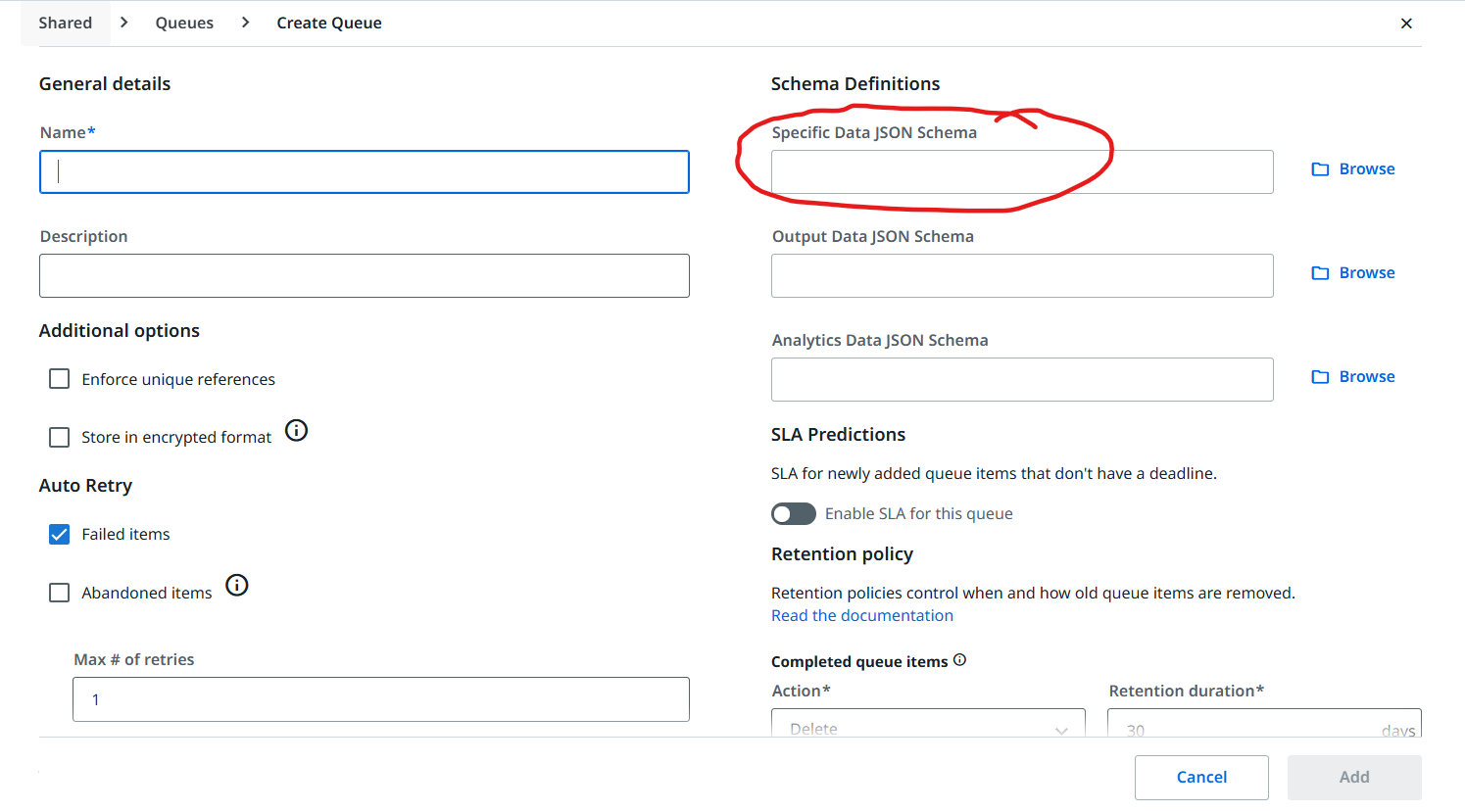
Check if your Queue is setup to accept only predefined schema.
Thanks for the suggestion!
I double-checked the Queue configuration in Orchestrator, and I haven’t enabled any predefined schema.
It’s just a regular queue with no custom constraints — I’m freely using dynamic key-value pairs in SpecificContent.
The issue still persists even with newly created queues.
Let me know if there’s anything else I should check!
Thanks for following up!
Due to security policy I can’t share screenshots, but here’s exactly how the queue item is constructed:
- I load an Excel file with 3 sheets.
- From the “Subscription Info” sheet, I iterate through each
DataRow.
- Each
DataRow is converted into a Dictionary (key: column name, value: cell value).
- Before creating the Dictionary, I group the columns by name and filter out those with duplicate keys.
- If any key is duplicated, the process logs the issue and stops to avoid exceptions.
- Once a valid Dictionary is created, I merge it with two other Dictionaries (property info + file info).
- If duplicate keys exist during merge, I keep only the first value (using LINQ).
- The final Dictionary is added to the queue via
Add Queue Item.
This process works fine except when the Dictionary contains keys like RelatedMember1, RelatedMember2.
In Orchestrator, only one key appears — RelatedMember, and the other seems to get ignored or overwritten.
No custom serialization or queue schema is applied.
Also, since I’m working in a Korean environment, it’s common practice here to use key names that combine Korean characters (Hangul) with numbers — for example, “예시1” or “예시(예: YYYY-MM-DD)”.
Could this naming convention be causing any issues in how keys are parsed or displayed in Orchestrator?
Thank you again for your help!
@summertime1
Use debug mode and check at each step what are the keys are getting stored in dictionary variable and add a log message and provide whatever the exact values you provided in Add qeue activoty in the log message.
From orchestrator queue there is no any kind of restrictions until you defined any schema.
try to look somewhere your are taking any numeric values or any mistakes.
Thanks for your insights.
I just realized that there was a sanitization (cleansing) logic in the existing code, which stripped numeric suffixes from the dictionary keys.
I hadn’t accounted for that, so I’ll work on resolving the issue from that angle.
Appreciate your help!
Great ..
Please mark my post as solution to close this topic if you got the solution.
Or if any queries you have please post here.
Happy Automation!!
Sure! Marked your post as the solution 
Thanks again for the detailed explanation and kind follow-up.
Much appreciated – Happy Automation!