If I understand correctly, the use case is to get email (read email) from mailbox, extract data and add to Database(Not UiPath Queue).
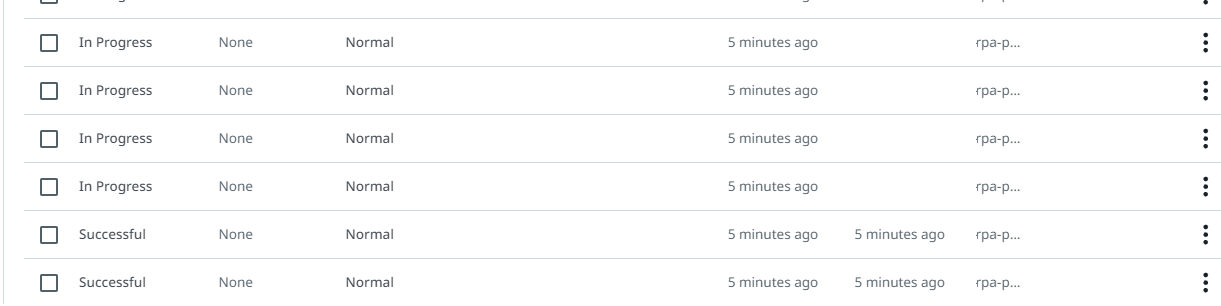
In that case the reason behind the mentioned issue of all queue items is In-progress state is once you use get transaction activity of UiPath, the status of added QueueItem changes from New → In Progress. Your GetTransaction Activity will fetch the email data added as queue item, where you are performing data extraction.
You need to perform the Set Transaction Status for that particular Queue Item either to Success or Exception depending upon the outcome of processing. You may have missed sending the reference to the activity and hence, all of the items are marked In-progress status.
You can refer this Video for guidance and let me know if you are still facing issues. Set Transaction Process