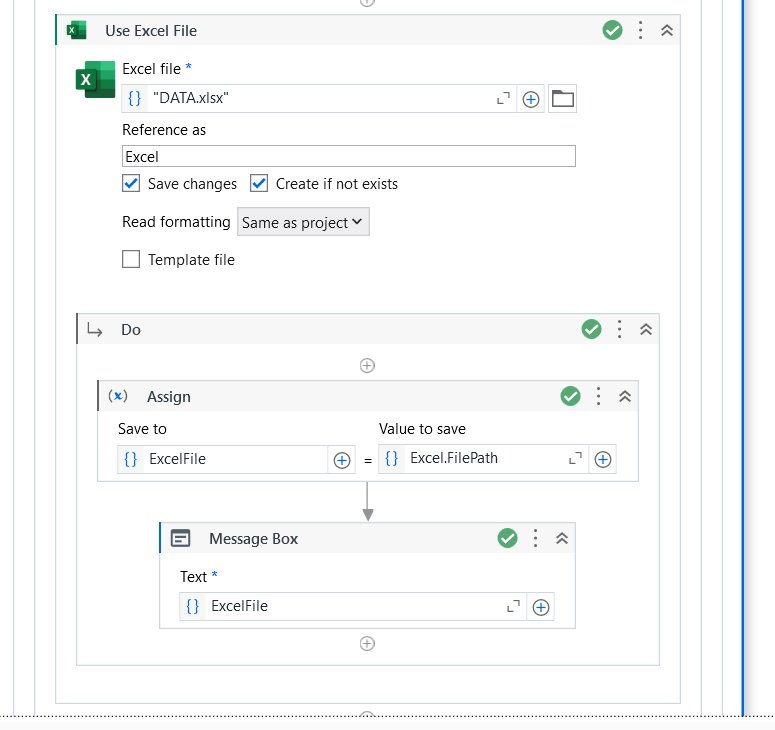
I am using “Use Excel File” to select the file from a folder. I would prefer to select the file using the option to browse instead of manually typing the path.
Thank you for the response. Is there anyway to use grab the path already captured. I would rather not have to type the path since it can be quite long sometimes. Is it possible to grab the value I highlighted in the picture systematically without having to type it myself?
@dhtguru instead of hardcoding the file path use assign activity of string type variable and pass your file path in that variable and then use your variable in the excep process scope or better save your file path in Config file and then work on that .. thats the best approach
You can click on the selected path and copy it to assign activity as well
Also generally if you need to copy any filepath..just right click with holding shift and you would see copy as path option which would give the fullpath as is