i need to multiply the data of two column in the following excel and write the output in a new cell magic brick dt.xlsx (891.9 KB)
column:
price1 and price 2
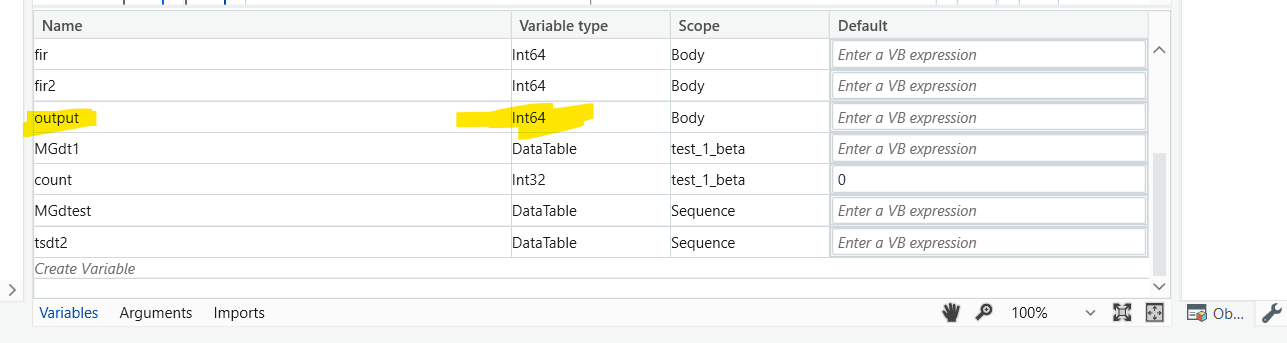
i have below follow but i m getting error :Argument 'Argument ‘Text’: BC30512: Option Strict On disallows implicit conversions from ‘Integer’ to ‘String’. The selected value is incompatible with the property type.
Please check I have attached the complete flow for you.
In the excel I have added an column name Result manually and if you want to add in throught program execution you can simply use the write cell activity. magic brick dt (1).xlsx (771.5 KB) test 1 beta (1).xaml (78.7 KB)
(From row In Dt.AsEnumerable()
                Let result = Convert.ToDecimal(row("Price1")) * Convert.ToDecimal(row("Price2"))
                Select Dt1.Clone().Rows.Add({row("Price1"), row("Price2"), result})
               ).CopyToDataTable()
In build datatable create the columns you want in final Datatable my final datatable is Dt1
Rows.Add({row(“Price1”), row(“Price2”), result in this you have add all the columns in Dt you want if you want three columns then give the three columns names