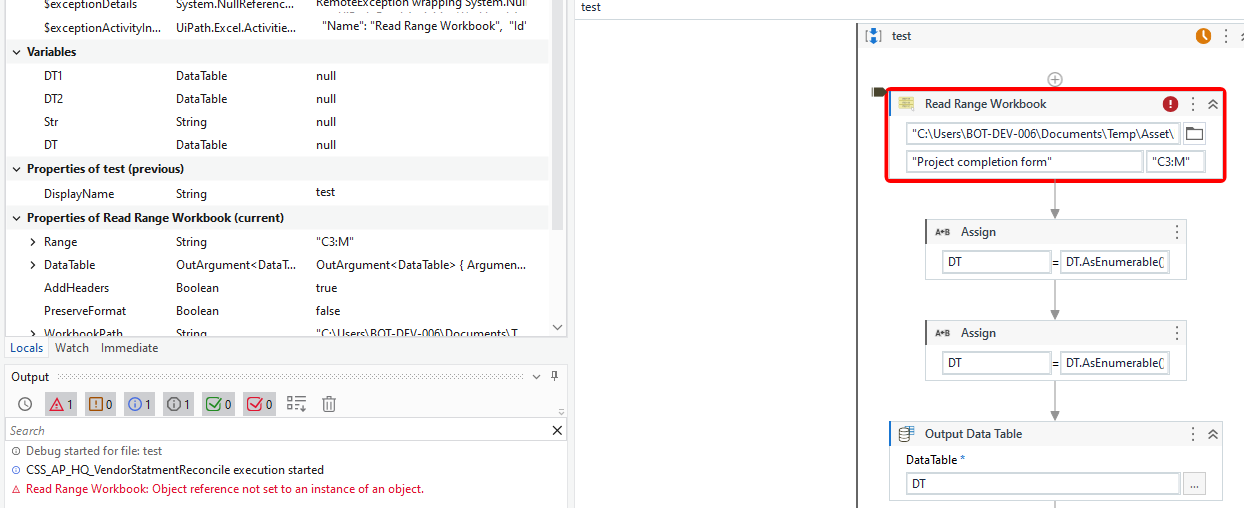
Hi Team ,
i have data in excel with range column A to Column E , here i wanted to read the data from A4 to entire D column .
help me to right the range for it
Hi Team ,
i have data in excel with range column A to Column E , here i wanted to read the data from A4 to entire D column .
help me to right the range for it
You can give the range as A4, then remove th column after D using filter datatable
in filter datatable give columns as 0,1,2,3
cheers
Hi @Davuluri_Manikumar ,
Set the range property of the activity to “A4:D”. This will read the data starting from cell A4 to the end of column D in your Excel sheet.
Thanks,
Hey @Davuluri_Manikumar
First you should check your last row:

Hey @pikorpa ,
thanks for response , since there were lot of empty cells were available in D column both in middle of the data and at end of the data , so i feel it’s difficlut to find the last row(After removing empty rows aswell.)
Hi @Davuluri_Manikumar ,
1.First read the entire worksheet (also make sure to play with ADD HEADERS)
2. Then add row count into second read range
As per your need there are blank cell in D column so in this case you can read entire A column to get the count of the row, as below

Regards,
Vinit Mhatre
@Davuluri_Manikumar
you can try remove empty rows using this vb,bet script:
This script iterates through the DataTable in reverse, checking each row in Column D for content. When it finds the first non-empty cell (from the bottom), it notes the index. It then removes all rows
Dim lastNonEmptyRow As Integer = -1
For i As Integer = dtExcelData.Rows.Count - 1 To 0 Step -1
    If Not String.IsNullOrWhiteSpace(dtExcelData.Rows(i)("D").ToString()) Then
        lastNonEmptyRow = i
        Exit For
    End If
Next

If lastNonEmptyRow <> -1 Then
    While dtExcelData.Rows.Count > lastNonEmptyRow + 1
        dtExcelData.Rows.RemoveAt(dtExcelData.Rows.Count - 1)
    End While
End If
After executing the “Invoke Code” activity, dtExcelData will contain only the relevant rows, excluding the empty rows at the end of Column D. You can now proceed to use this filtered data for further processing