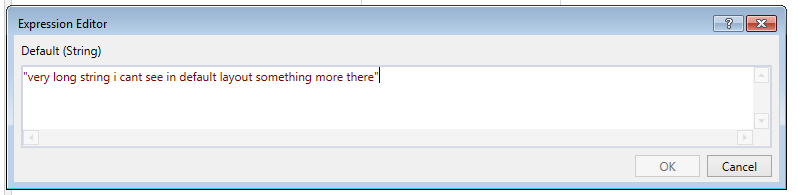
A minor idea but would it be possible to have the expression editor window default to a larger size or save the re-sized details into registry so it loads with your preferred size instead of having to re-size every time I edit some script / text
Assuming that the window size issue will be resolved I think it will be a better idea in terms of readability if you separate the VB.NET code on multiple lines by using the “_”?
When editing an Execute NonQuery or Query it would be nice if the extended size box didn’t shrink when you click in the box to edit. I see the whole query then it shrinks and we have to resize every time. Is there a setting to adjust?
Yes @Dominic i know that, i asked is there any way to increase the default size of the Expression Editor box size using config or settings i am asking, because default one is very small each and every time i need to extend the box.
Double clicking the bottom edge expanded the window. After that I changed the window to the size I desired and clicked “OK”. After that windows size was memorized!!
Thanks!