As a new user, I have trouble understanding what action to take on various error messages. For example, on a fairly simple Excel data extraction, I see the error
“The desktop application automation execution failed due to a popup window (UiPath.studio.exe) obstructing the UI element.”
The application itself appears to be creating a pop-up window, (which I have never seen) and I’m trying to work out how to prevent this.
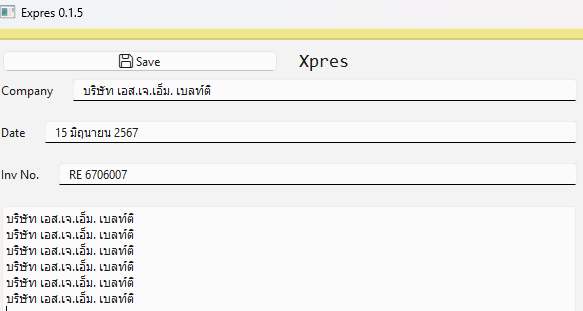
I am extracting data from an Excel file (ForEachRow) and then using TypeInto to display the data in a form in a custom Python/Qt6 app.
The error seems to be driven by one target on the Qt6 screen where I set “Empty field before typing” to None, because I want to concatenate the strings. (That is the bottom target on the screen - if I take that activity out the error does not occur).
If you figured out the issue is because of this, you can just modify logic to concat the string.
Currently you are keeping the exisiting text there and trying type into the field
Now add logic to get the current text in the field into a string variable using Get Text activity and then concat the extracted value and value to be typed then use Type into with Empty field before typing = true