I am trying to pass the arguments from a process into UiPath apps. There is no value binding option available. so i passed the values like -processes.processname.variablename. but i am getting an error like “Source cell value is ‘null’. Could not assign source cell value to ‘Found Cell Value’”. how can i solve this error?

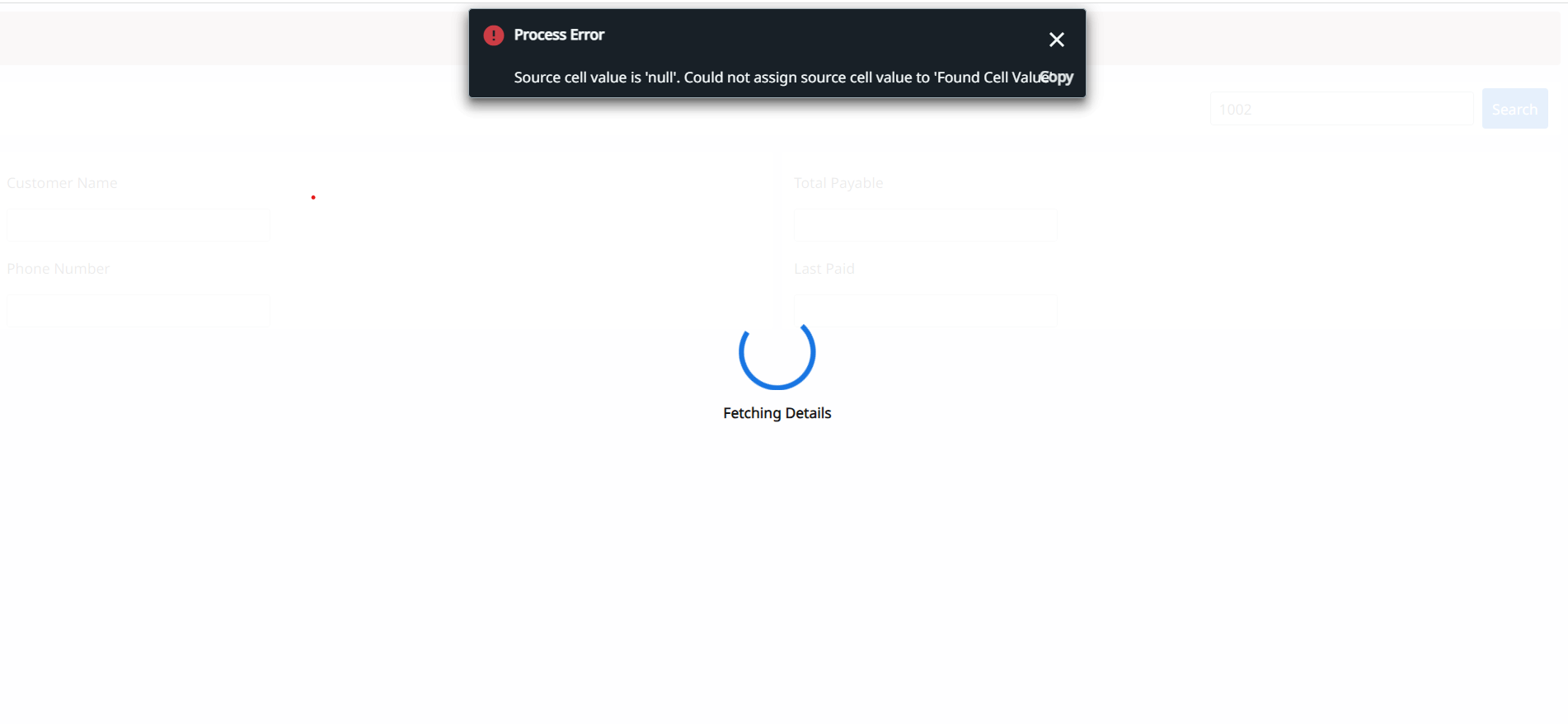
Ensure the passed argument is not null and handle it with a default value or check for null before assigning it to ‘Found Cell Value’ .
in the box next to search option i have give an argument as “in” direction so ideally when i give a enter a value in that text box ,it should pass the variable into the input value CustomerId and run the process and get the values of other text boxes that are out arguments
In UiPath Apps, for a text box where you want to pass an “in” argument (e.g., CustomerId) and retrieve “out” arguments, set the “Element Binding” property of the text box to “Input” for “in” arguments and use variables for “out” arguments.
consider as example
input
"CustomerId": Input.Text
For retrieving out arguments:
"Output1": Output1Variable, "Output2": Output2Variable
I am using VB version. so i dont have the value binding option
In UiPath Apps VB version, use the following line for an “in” argument (e.g., CustomerId) and retrieve out arguments
“Input”: InputTextBox.Text, “Output1”: Output1Variable, “Output2”: Output2Variable