Hi Team,
Hope you are well.
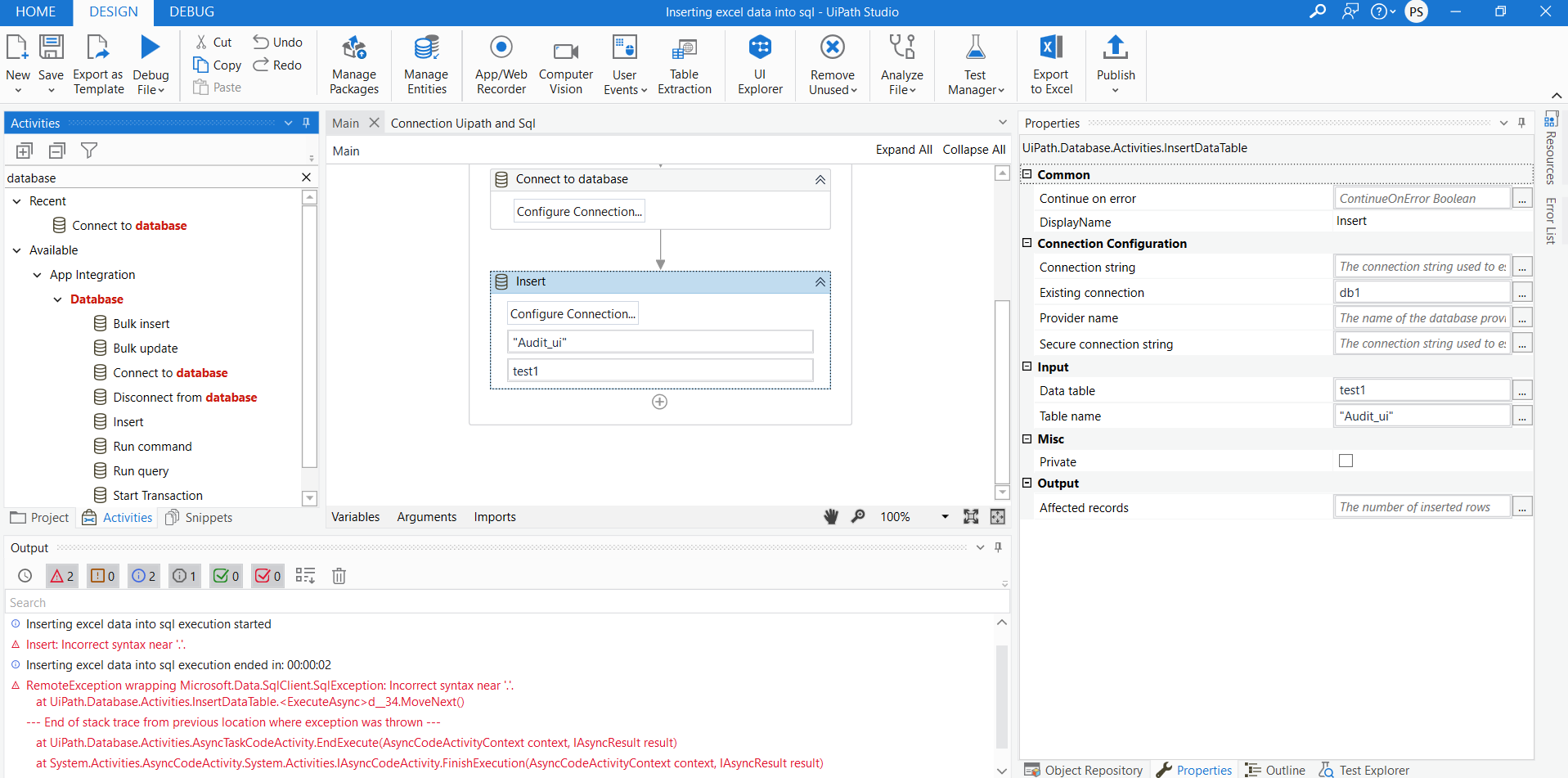
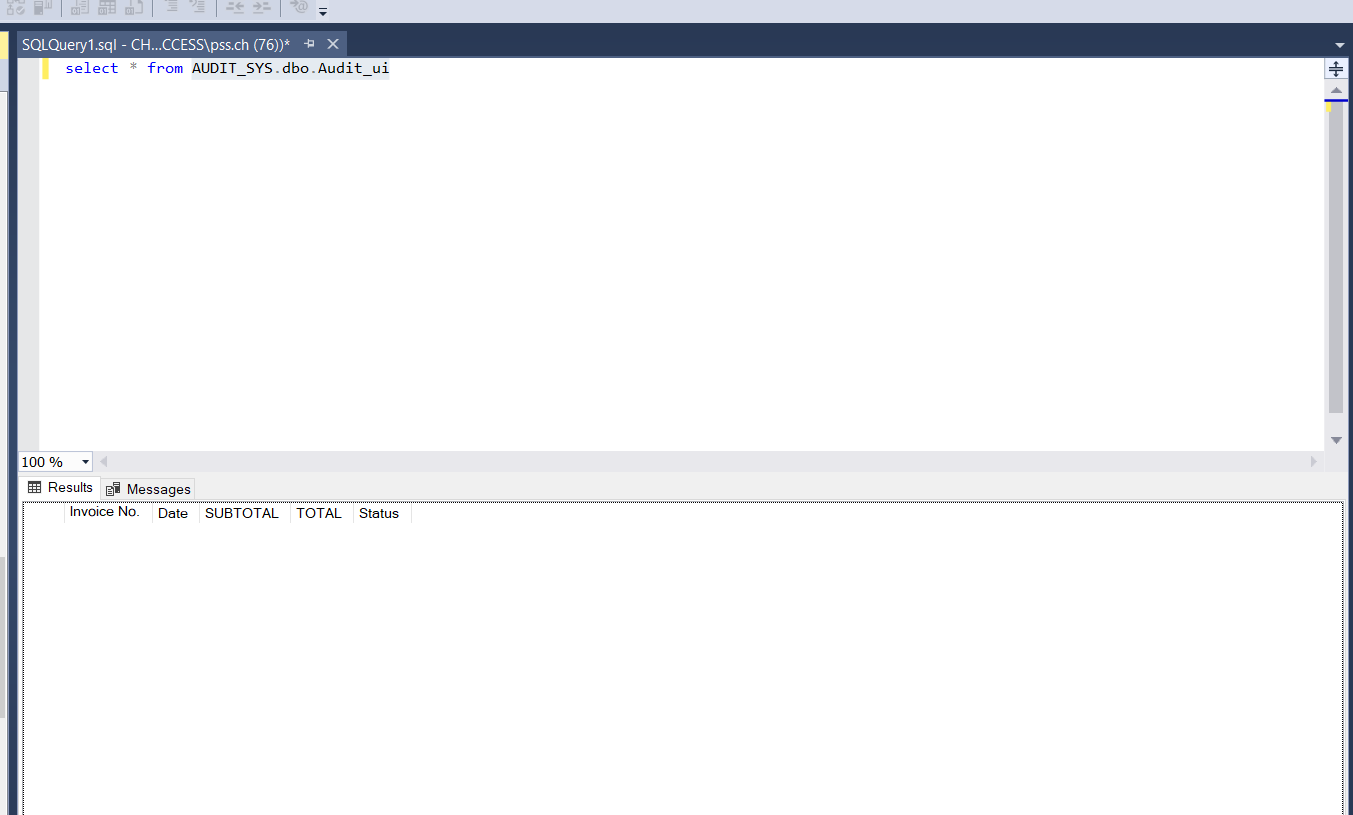
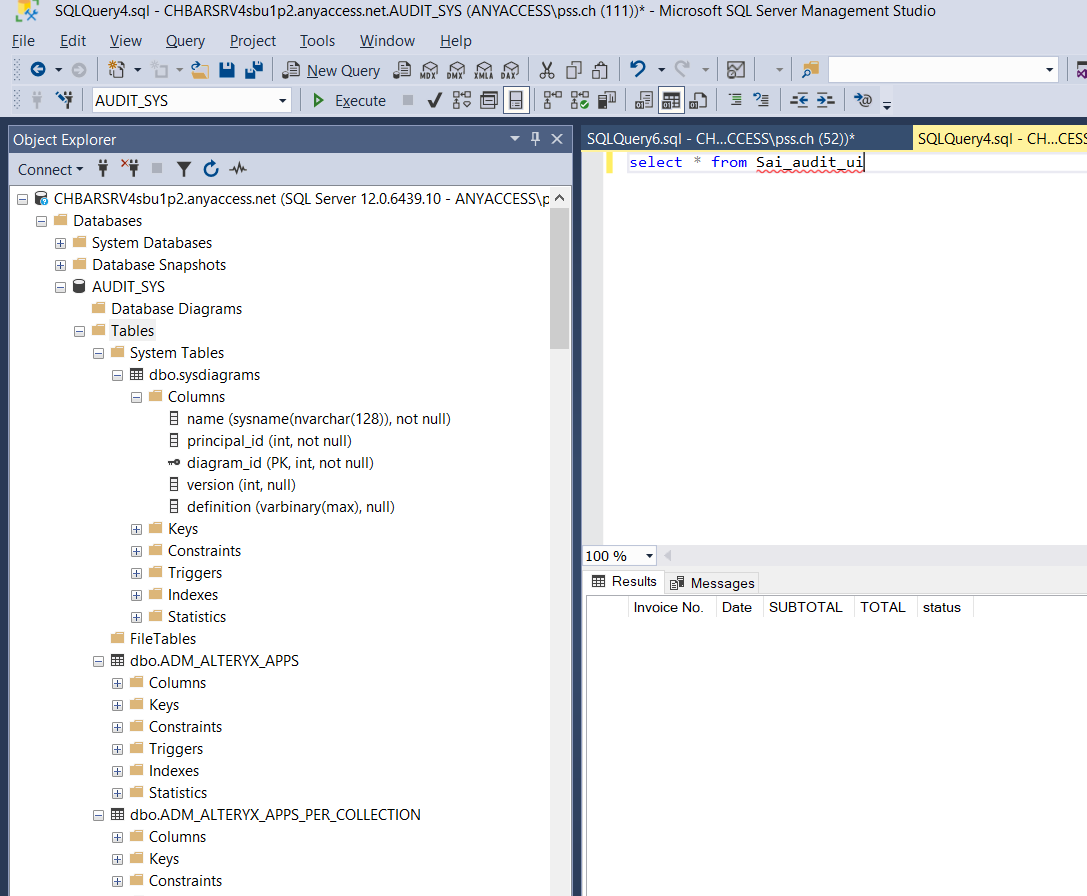
I am getting error while inserting the data into sql query.
Can you please help? @Anil_G
Thanks,
Sri
Hi Team,
Hope you are well.
I am getting error while inserting the data into sql query.
Can you please help? @Anil_G
Thanks,
Sri
Can you please show your datatable?
Few cautions
Cheers
Thank you @Anil_G .
Sure will look into this.
Few things
When you read the data and run the bot in debug mode …and pause the bot after reading…then you can go to locals panel and check the datatable for their column datatypes
And for sql …click in the table from the menu…and you shpuld be able to see the datatypes there as well…
To know the exact types…use a run query and use a select* from audit_ai and check the locals pane again to see the datatype that it is getting when you do a retreival from database and make sure you give the same datatype…
Cheers
great thank you @Anil_G .
one thing please when i click on the debug mode how can i see the datatype here?
Please use this expression in log message and it will print all the column types in the datatable
String.Join(“,”,dt.Columns.Cast(of DataColumn).Select(Function(d) d.Columnname.tostring+ ": " +dt.Columns(cint(d.ordinal)).DataType.ToString).toarray)
dt is the table
Cheers
Great thank you @Anil_G . Please find below i am getting.
its showing all as systemobject. does it means character? thanks
So all the columns are objects…try checking the same types when you do select * …ideally column types shpuld be same as what you get when you fo select *
Cheers
Thank you @Anil_G . When i query i am not getting the datatype in sql server.
I mean to do the select in your run query activity in your UiPath studio and then check the output column types
Cheers
Thank you @Anil_G . Really appreciate your time and help. It worked. But i am not sure i ran the same query didnt change anything. confused how UiPath works.