I would suggest to convert at the place where you want the value as int32
Just by mentioning as Convert.ToInt32(your stringvariable) instead of mentioning directly your stringvariable
is there any other way to convert the data not using that method. The thing is the real data will have a thousands of rows I wonder is there any simple way that not loop to every rows in the DT.
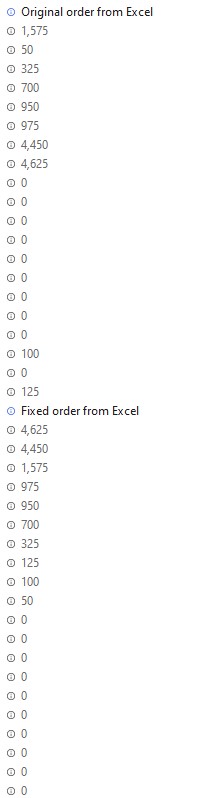
Hey, I think you’re solution is already correct. However, you missed the “add header” check box when reading the excel. Thus, you were actually reading Column H of the excel which are all zeros instead of Column G which has some non-zero values. I have attached the updated project.ConvertToInt.zip (10.5 KB)