Hello Friends,
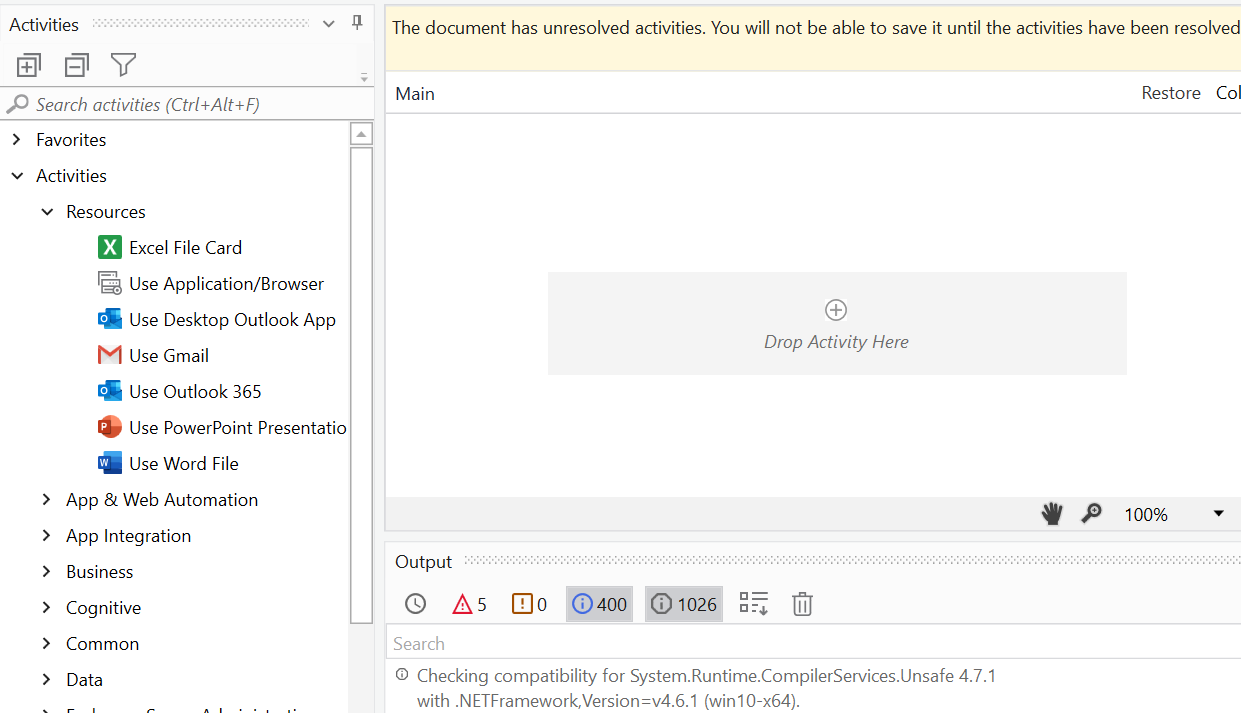
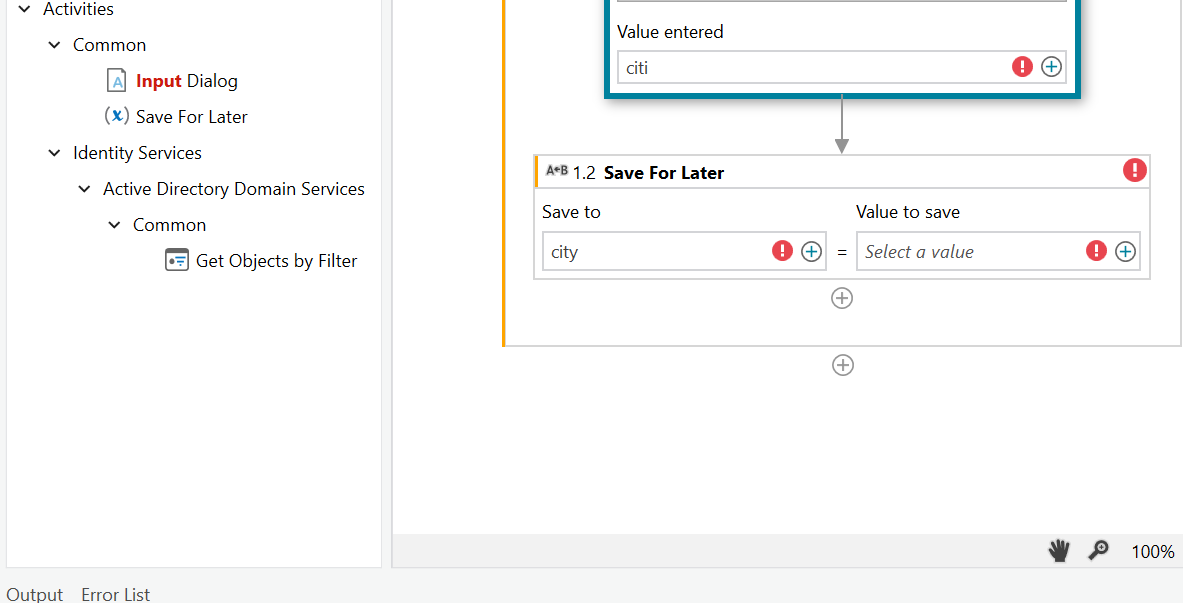
very new to RPA. quite interesting when i started doing first few activities in the academy. however i am struck once we entered variables and arguments. i cannot see the variables panel not they can be initiated through ctrl K option.
Please advise where am I missing?
Any help is appreciated.
thanks,
1 Like
Hi @krishna.srikanth.kappagan ,
Could you try unpinning it like so?
Kind Regards,
Gokul001
March 14, 2022, 10:51am
3
Hi @krishna.srikanth.kappagan
Some package is not installed, Just click on the Output
Regards
ashwin.ashok:
Could you try
Hi Ashwin,
Did the same for both output and Error List. no display of variables panel.
Hi
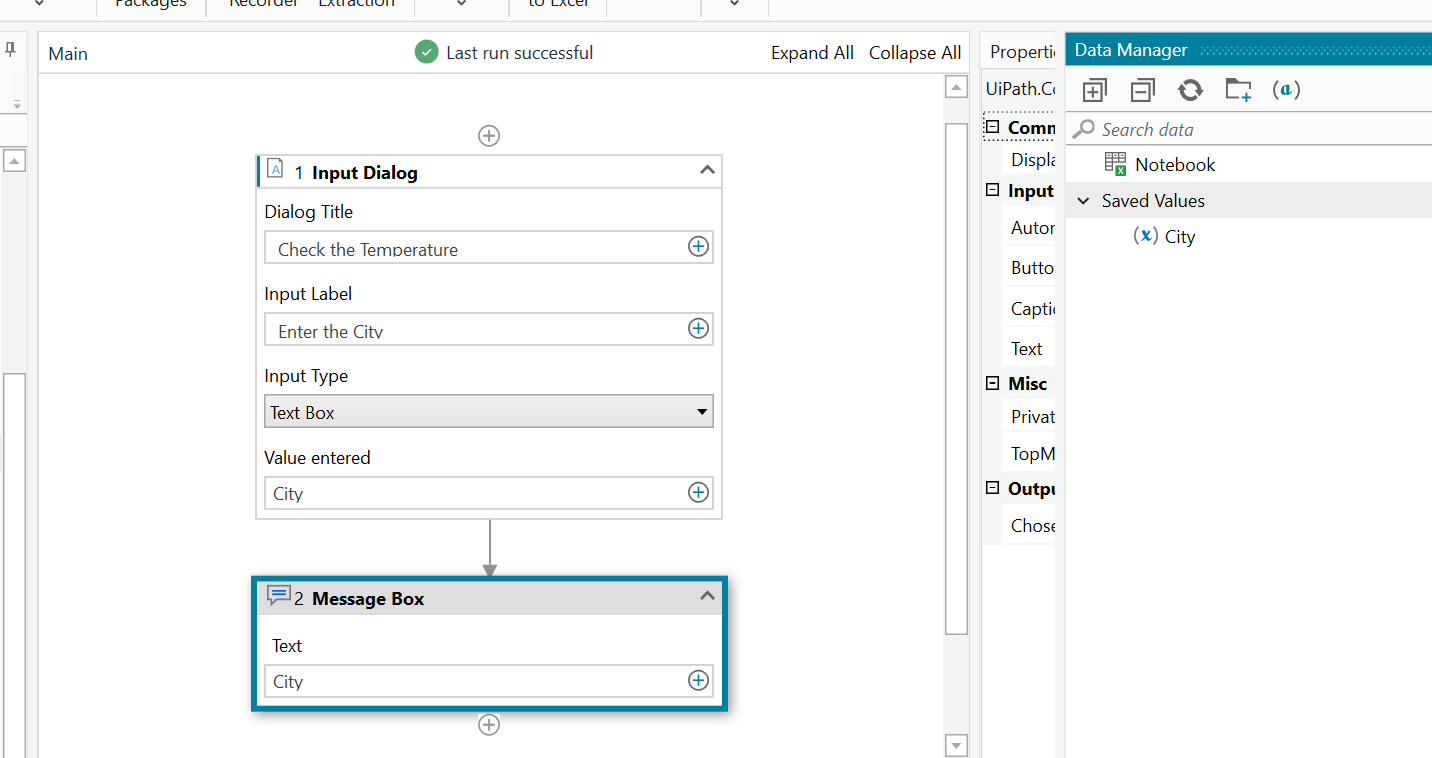
You are in studioX
StudioX doesn’t have variable panel rather it has data manager panel in the right side of the screen
Cheers @krishna.srikanth.kappagan
2 Likes
Have a view on this for complete user interface description of studioX
The UiPath StudioX interface contains multiple panels for easy access to specific functionalities. Panels can be docked, set to float so that they can be moved anywhere, or they can be set to auto-hide. Home (Backstage View) This is the view you see...
Let us know if you have any further queries
Cheers @krishna.srikanth.kappagan
Hi Palaniyappan,
You made my day. its working. thank u very much.
Regards
1 Like
Sure, First thing right away. Thank u
1 Like
system
March 17, 2022, 12:12pm
10
This topic was automatically closed 3 days after the last reply. New replies are no longer allowed.