Hi there,
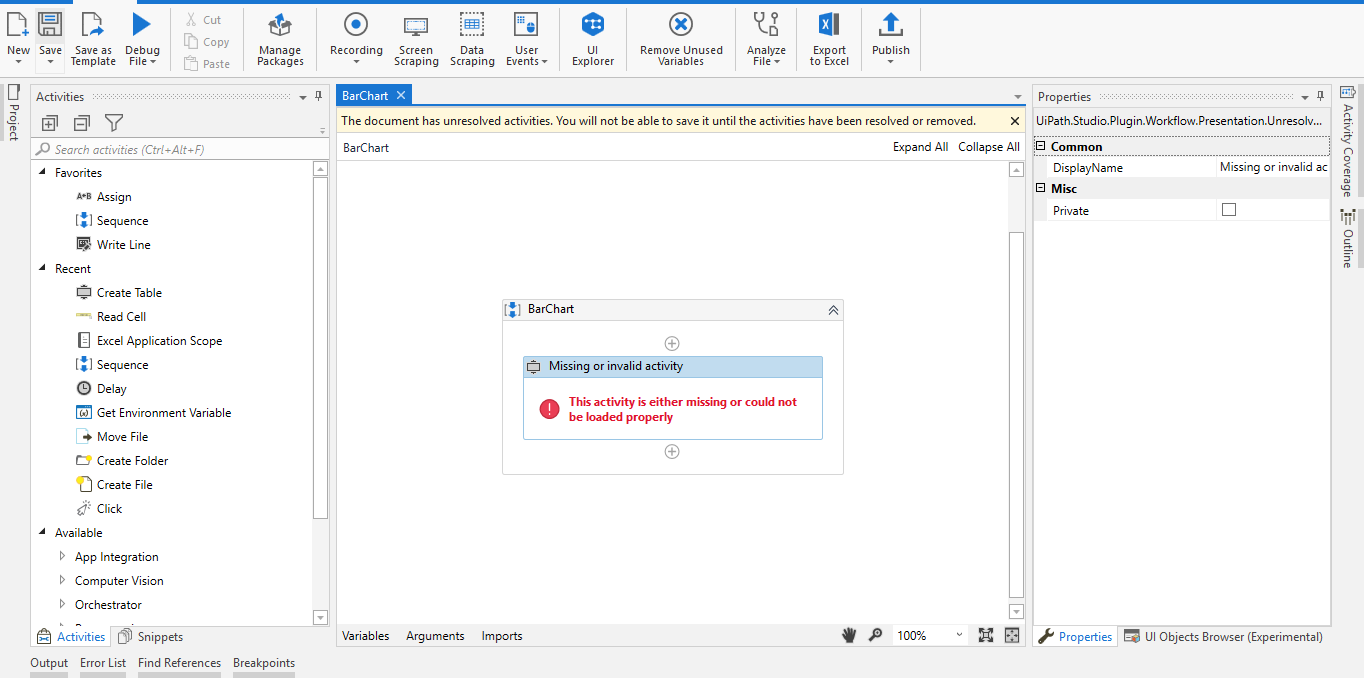
i want to create a barchart using uipath(i have used bala.reva)activity which is 3rd party
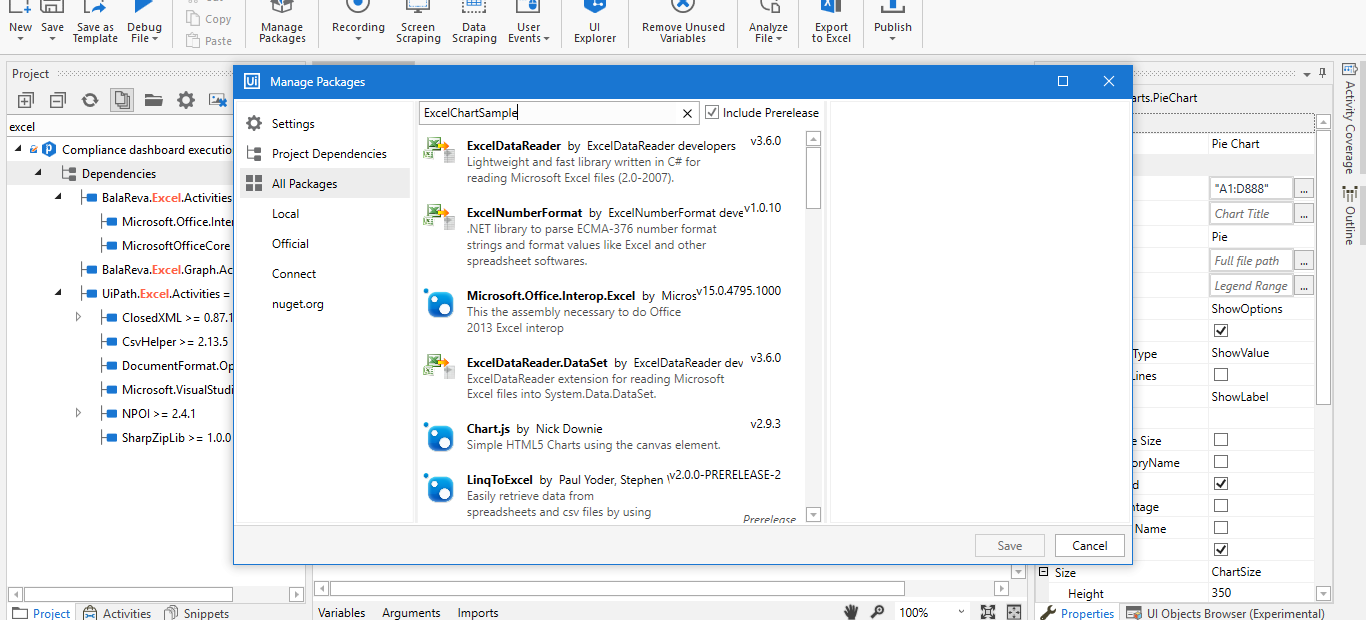
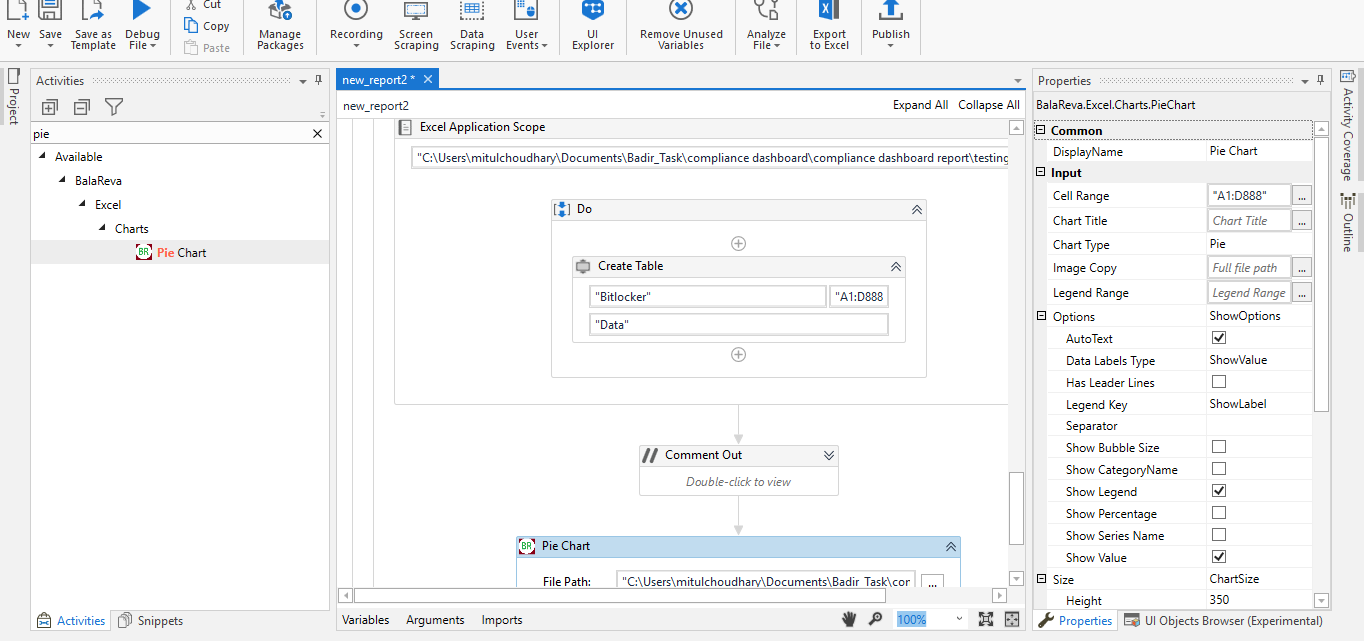
As shown in ss this is the path which i’m following,but not getting the desired output
PLEASE HELP URGENT…!!!
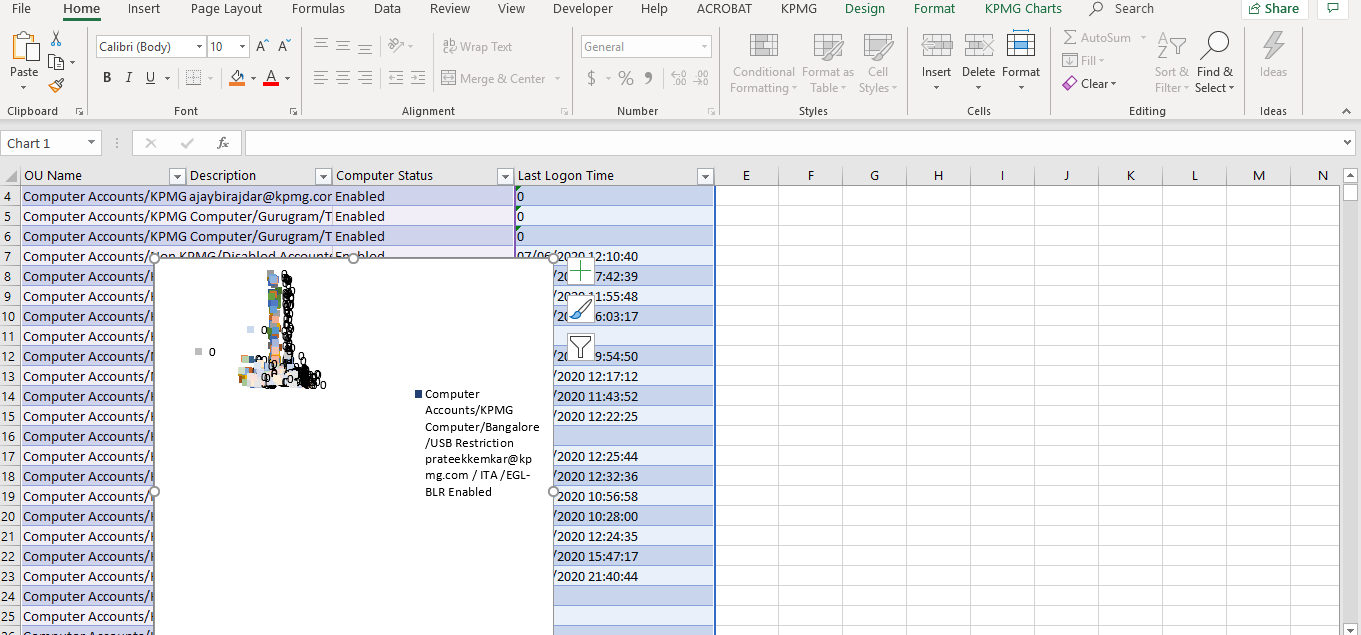
now output:
Hi there,
i want to create a barchart using uipath(i have used bala.reva)activity which is 3rd party
As shown in ss this is the path which i’m following,but not getting the desired output
PLEASE HELP URGENT…!!!
@supermanPunch pls extent yr support
hi @mitul_choudhary,
Here is an activity that can create the barchart. Take a look.
Thank you
Balamurugan.S
Update package in the manage and packages.
Thank you
balamurugan.S
@supermanPunch any suggestions…??
@mitul_choudhary I do not think there is any better option to insert a Bar Chart in the Excel than how @balupad14 has done using his activities and there might be no other person capable of explaining the Balareva Excel activities in the best way possible than him. But can you tell us why is it not the Expected output  . What is the expected output according to you ?
If you can show us the needed Output or show where you want the Bar Chart to be placed, then we may be able to help further.
Hi @mitul_choudhary,
Explain excel sheet with bar chart…
Thank you
Balamurugan.S
Hi,
Thanks for help,this is how i want the output in excel sheet
@supermanPunch @balupad14