i had the same problem and tried to solve it by following his steps. It was actually successful but at some rows it doesnt write the first letter. I think Read Text File fails somewhere that i dont know of.
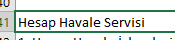
example line in the csv.
example line in xlsx.
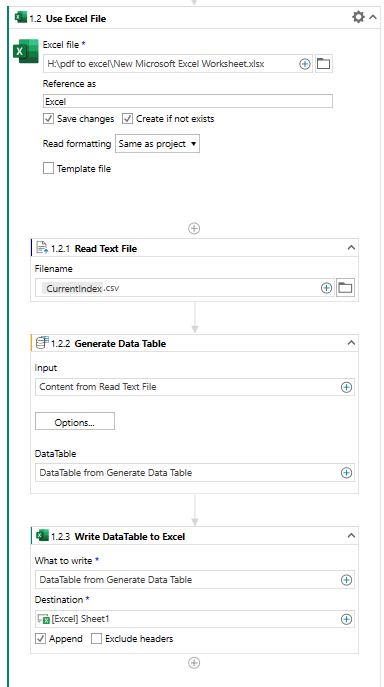
the flow i build.
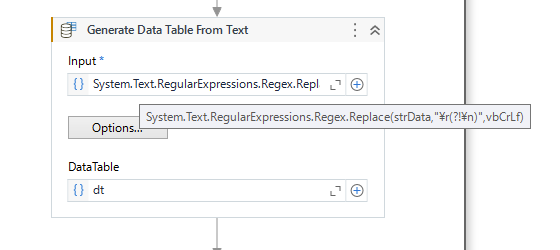
i tested it a bit. When i pick the csv parsing on some rows the generated data table doesnt include first letter of that row. on the other hand when i pick custom seperation it does write all the letters as expected but then the newline seperator with newline doesnt work properly. Read Text File activity reads the csv documents i have properly. i am generating a data table from that output and writing that data table to excel. however sometimes the letters are missing but its not an encoding problem tho
Make sure there are no extra characters or delimiters at the beginning of each row in the CSV file.
Double-check the delimiter used in the CSV file (e.g., comma, semicolon) and make sure it matches the settings in UiPath.
Try this for new line seperater if you are using windows: \r\n
Try this for new line seperater if you are using linux: \n
Also can you please print the data and check how you are getting newline character is it \n or \r\n or \r or anything else…for this use log message and write the data of string and open log message and click on info icon beside it or double click log wich shows how the data sepration looks