How to sort excel file by column using sort range activity?

Sort Range: The range Orders does not exist.
This is my excel file look like.
How to sort excel file by column using sort range activity?
Sort Range: The range Orders does not exist.
This is my excel file look like.
Hi @jmsphlp
The Error “Sort Range: The range Orders does not exist.” means that the name “Orders” mentioned in the expression Excel.SelectedSheet.Range("Orders") is Wrong.
Please check the correct name.
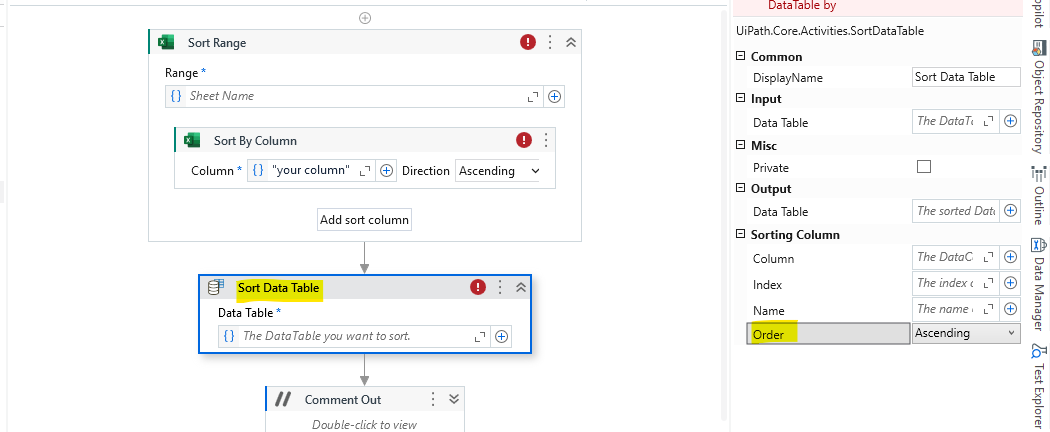
If that is the only data present in your sheet, Use the following approach:
As you can see below, The sort works:
Input:
Output:
If this solves your issue, Do mark it as a solution
Happy Automation 
Hi,
As your table starts with A1, it’s unnecessary to use Range. The following may help you.
Or Excel.Sheet(“SheetName”) also works.
Regards,
Hi,
This works. Thank you. :))
Regards.
Hey @jmsphlp
you can do this using linq method also
dt.AsEnumerable().OrderBy(Function(x) x(0)).CopyToDataTable()
it order your data in ascending form. And if you want to do in desc
dt.AsEnumerable().OrderByDescending(Function(x) x(0)).CopyToDataTable()
cheers