I am giving the correct Syntax in input options after choosing multiple choice in input type but its showing error ,


Welcome to the forums
Instead of “:” separator place “;”
like {“A”;“B”;“C”}
Mark as solution if this helps you
Thanks
1 Like
as array {“A”,“B”}
As string “A;B;C”
1 Like
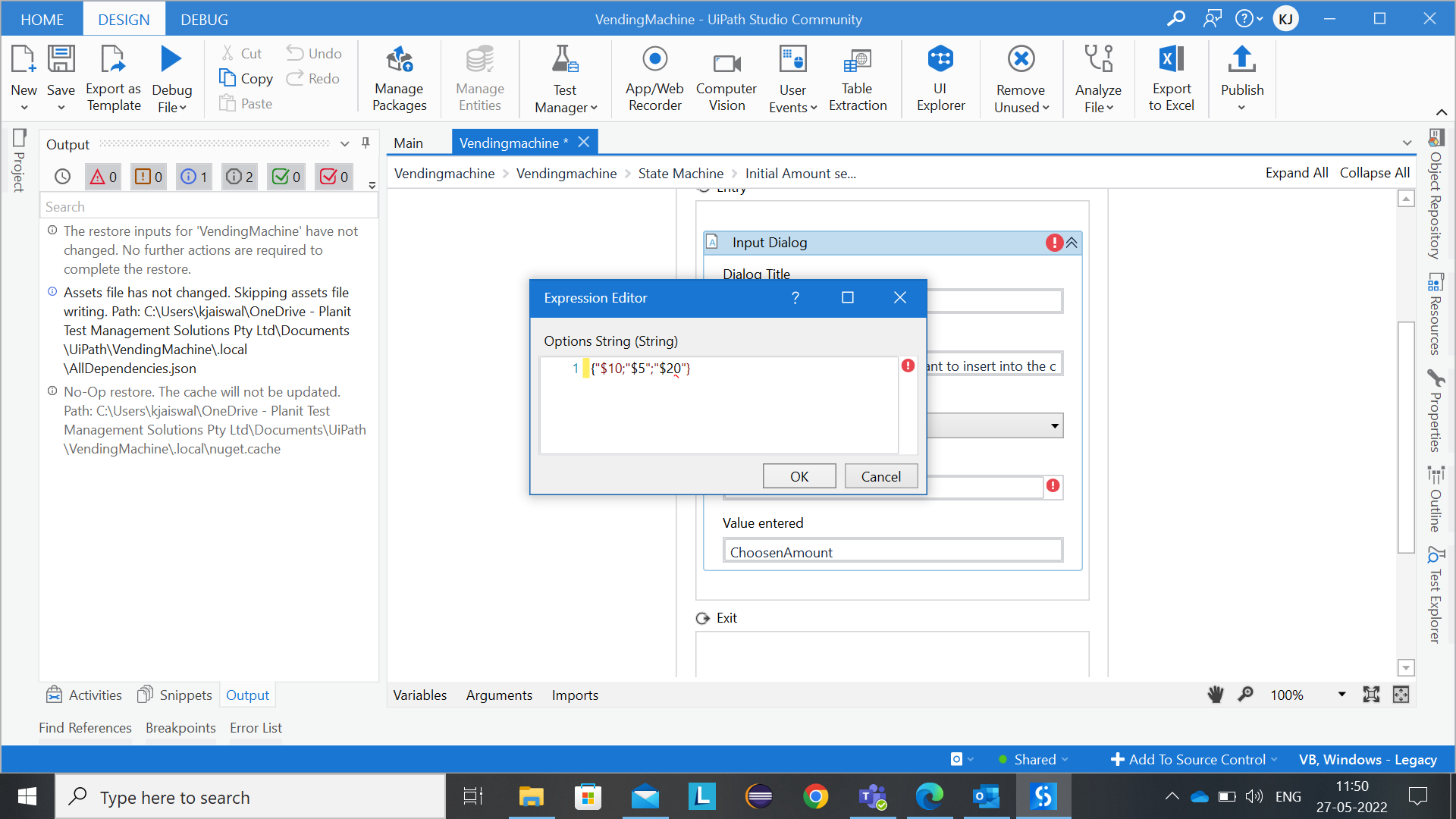

just use the array for the options Array
OR
the ; separated String for the Input Options

1 Like
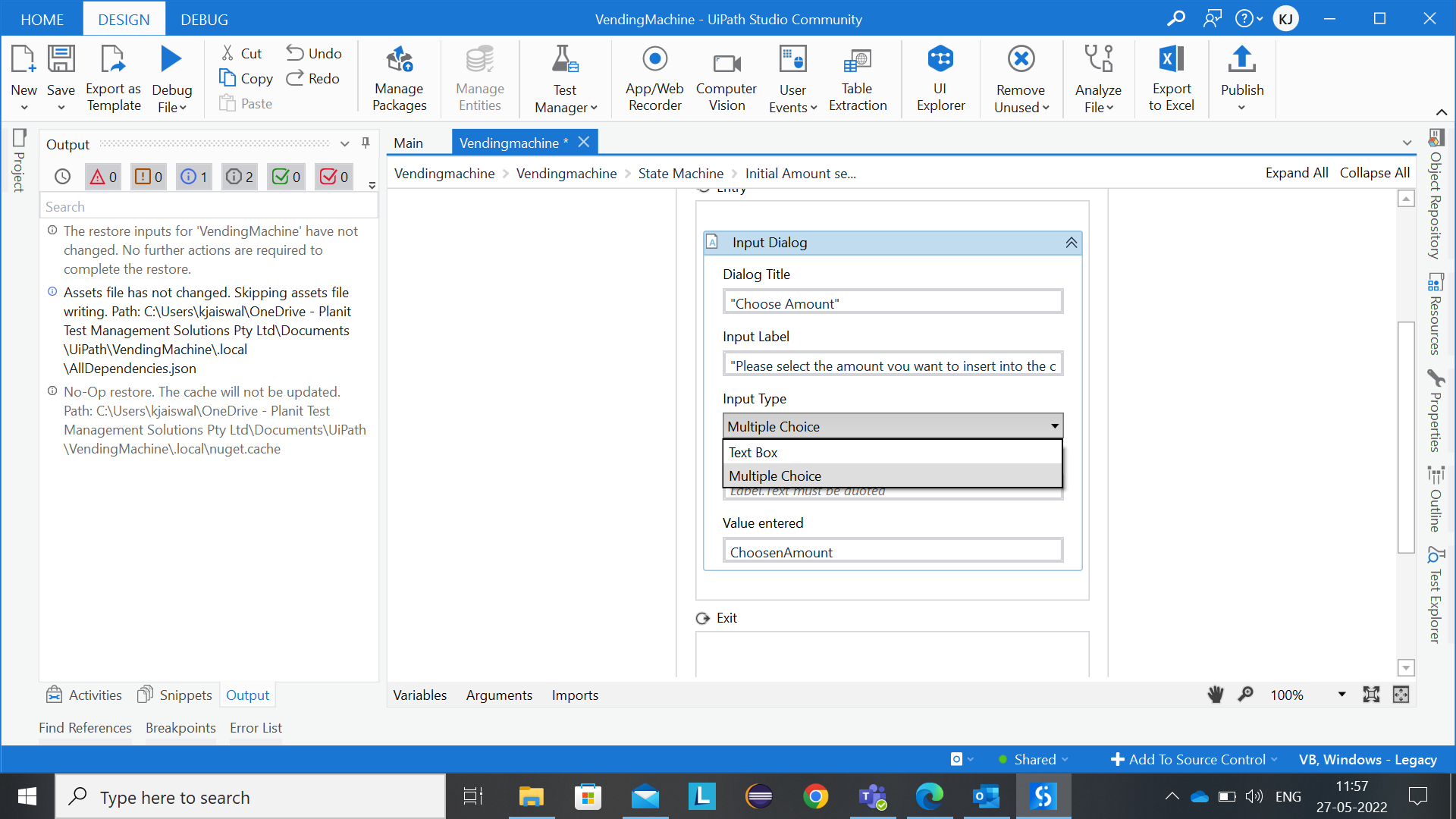
Check as above, In properties give your options as a string array
Hope this may help you
Thanks
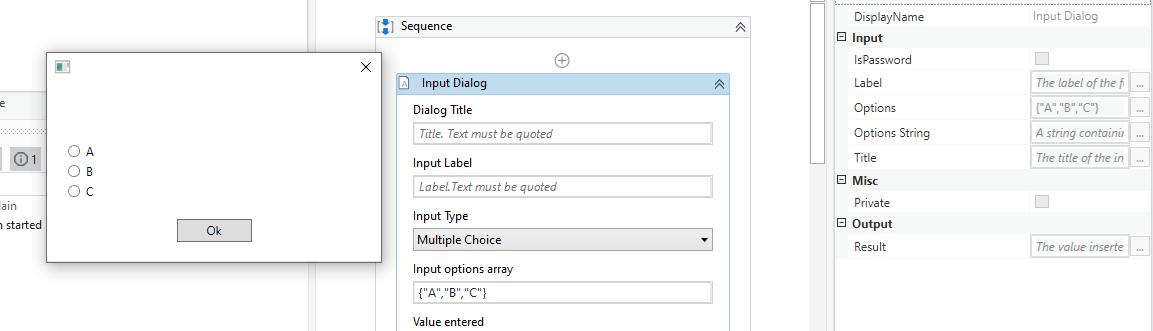
when I am giving values in options its not reflecting in input options…
Thankyou
1 Like
If you have an Array set, then use the Options, If you have only String then provide Options string, both can’t be used at once

Hope this may help you
Thanks
2 Likes
Thankyou @Srini84 yes I got it…
Please click appropriate post as mark as solution to close this thread
This will help others also to understand
Thanks
1 Like
This topic was automatically closed 3 days after the last reply. New replies are no longer allowed.