how to convert a datatable to single list variable?.
I need to read a data from excel and use (type it into) some screen but i need the data to be a single list.
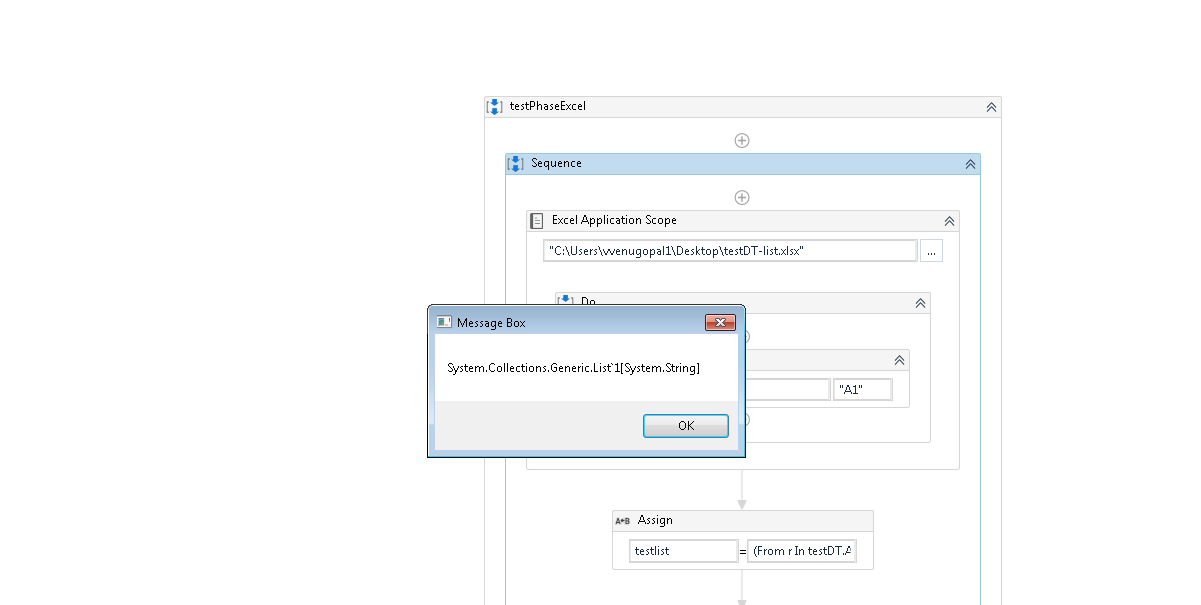
Now i use read range and loop it in type into it is working fine but is there any way we can convert the entire data table variable to a single list. So that i can use type into at once?
If you used the ReadRange activity you have a variable of the type Datatable.
Datatable has a method that gives you all the rows as a list, then you can run a function over those rows.
In an assign statement I would do something like this:
table.Rows.Select(function(row) row(0).ToString).ToList
That will iterate over all the rows, read the first column, transform it to a string and in the end convert that into a list, so you will have a list (written as List(of String) ) of strings that is the first column in your table.
Read excel file and get the out come as a Datatable and use LINQ Query to convert first column data into a List and now you can iterate list and pass data into the Type into activity
(From r In dt.AsEnumerable() Select r.Field(Of String)(0)).ToList()
Note : in here dt means your data table variable
this is a list so you need to iterate without iterating you cannot access strings that contains in the list. if you show me where you going to enter data I can give you a better solution
I understood that i have to use for loop to get each value, but at one time i have to use type into, because it has to be like this:
If i use the loop it will go and type into in the second row, but all values has to be inputed into the first row only.
I have already done this using for each and passed the variable to the type into selector and entered each values to the next row, it works fine.
But the op will be different if we loop each values to the next row and son on.
Just like we do a copy paste from excel manually we need to do the type(complete list) into in the first row only and execute it. This op is different from the loop one.
So is there a way if we can just type inn the entire list as one complete string into the first row itself?