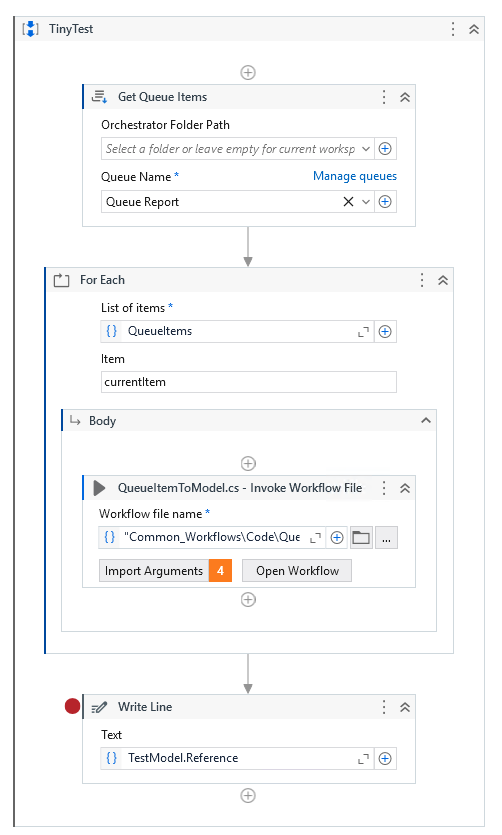
I’m working on making a Coded_Workflow for my library, that should turn a QueueItem into a C# model. For this I want to use basic generics in C#.
public (T model, Exception ex) Execute<T>(QueueItem queueItem, T model) where T : new()
{
   Exception ex = null;

   // Set static QueueItem fields
   typeof(T).GetProperty("Id").SetValue(model, queueItem.Id);
   typeof(T).GetProperty("Reference").SetValue(model, queueItem.Reference);

   // Set dynamic QueueItem fields
   foreach (var property in typeof(T).GetProperties())
   {
      foreach (var header in queueItem.SpecificContent)
      {
         if (property.Name == header.Key)
         {
            property.SetValue(model, header.Value);
         }
      }
   }

   return (model, ex);
}
But when I try to run it, I get an error:
Unexpected error has occurred during the library compilation process:
The assembly compilation returned the following errors:
\Code\QueueItemToModel+QueueItemToModelActivity.cs(33,27): error CS0246: The type or namespace name ‘T’ could not be found (are you missing a using directive or an assembly reference?)
And a bunch more lines similar to the last one.