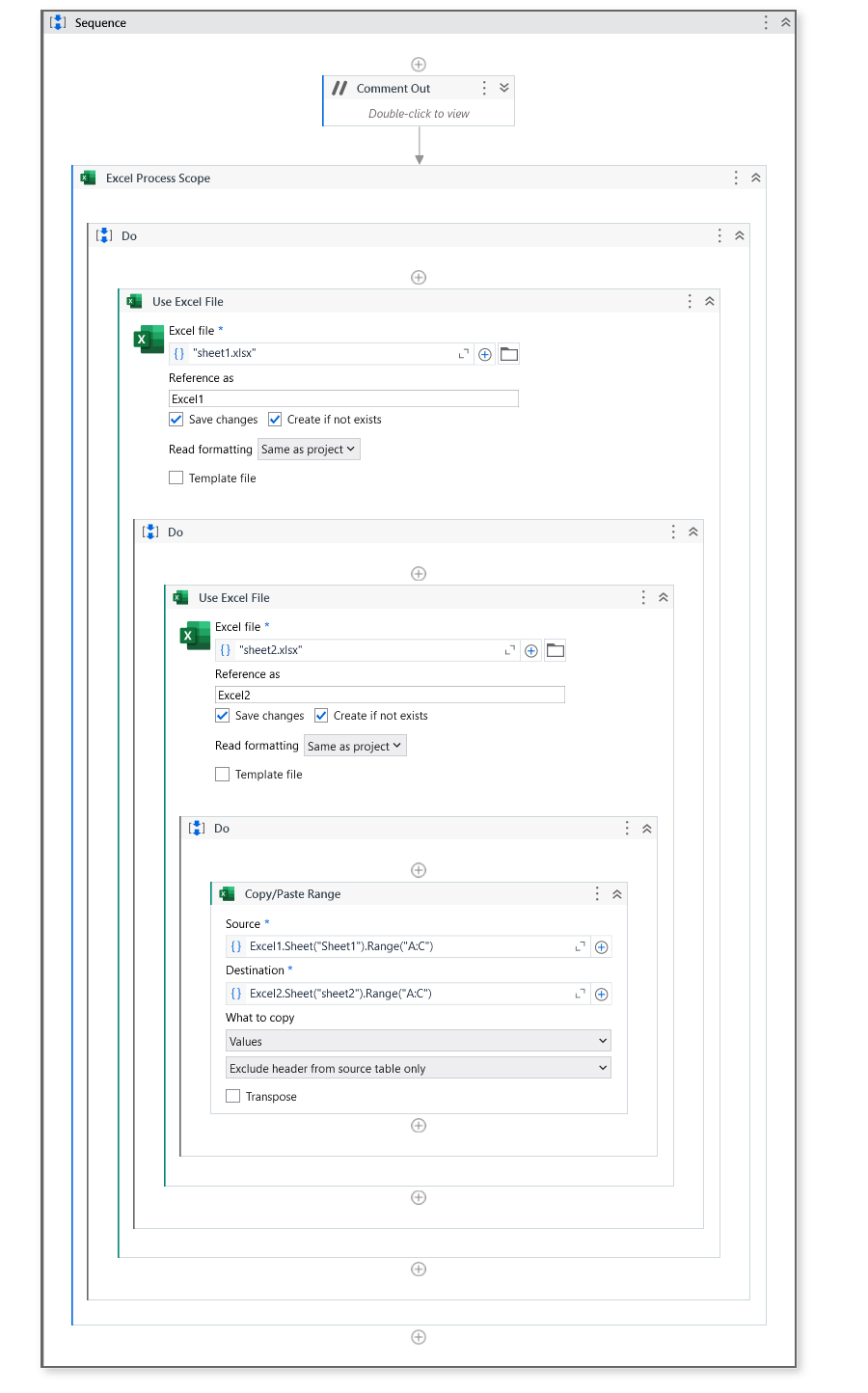
I Want to write cell from Workbook1 to column B (Workbook2), the last row that is empty. Column A will be the current date.
[image]


Hi @Sarttra
Give the first workbook as Excel and second Workbook as Excel1.
Give the below syntax in write cell
Excel1.Sheet("SheetName").Cell("ACellValue")

Main.xaml (13.9 KB)
Regards
1 Like
Change the second excel to excel1
And then use the follow
Excel.Sheet("SheetName").Cell("A" + (Excel.Sheet("SheetName").DataTableValue.RowCount).ToString)
This will get the filled rows count which can be used to ifentify the last row
Cheers
1 Like