Hello,
I had to do the sum of columns related to their identifier:
| FR550 | COMMON | ENT2622837 | 31/03/2018 | 25200000 | |
|---|---|---|---|---|---|
| FR550 | 25200210 | ||||
| FR550 | ENT2622837 | 25200230 | |||
| FR550 | ENT2622837 | 45200100 | |||
| FR550 | ENT2622837 | 45200000 | |||
| FR550 | ENT2622837 | 61540900 | |||
| FR7K0 | ENT2612259 | 45200000 | |||
| FR7K0 | ENT2612259 | 45200100 | |||
| FRY90 | COMMON | 0012611448 | 25200130 | ||
| FRY90 | COMMON | 0012611448 | 61540900 | ||
| FRY90 | COMMON | 0012611448 | 45200100 |
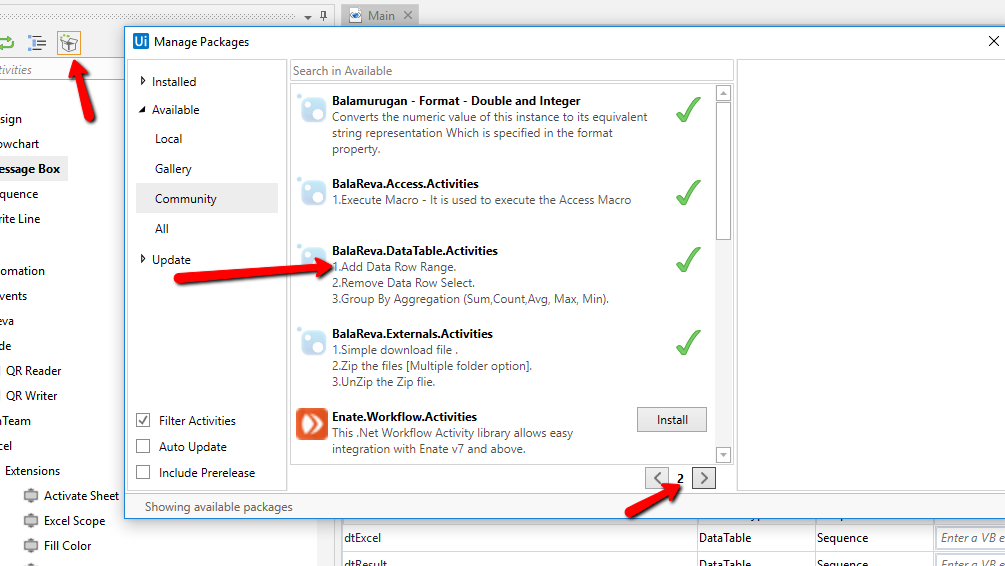
keep only in a datatable: FR550 sum of th 4th column
FRY90 sum of th 4th column

 Anil_G
 ashokkarale
 jinal.shah
 Gautham_Pattabiraman
 postwick
 chandreshsinh.jadeja
 vrdabberu
 Ajay_Mishra
 sven.wullum1
 Vyshnavi_Nalumachu